Best Read-It-Later Apps in 2026 (After Pocket)
Best read-it-later apps and bookmark managers in 2026, compared on capture, Markdown portability, and whether your own AI can read what you save. Pocket and Omnivore as context.
On this page
- How we evaluated these apps
- 1. Sensefold
- Capture: articles, threads, videos, and AI chats as Markdown
- Enrichment on save, never on your notes
- Connect: your own AI reads and writes over MCP
- Leaving: whole-library Markdown export
- Who should choose Sensefold
- 2. Readwise Reader
- Best for heavy annotation
- 3. Matter
- Best for elegant reading and listening
- 4. Instapaper
- Best for calm article reading
- 5. Raindrop.io
- Best when organization matters more than annotation
- 6. wallabag
- Best for people who want control
- 7. GoodLinks
- Best Apple-only option for low-friction saving
- 8. Cubox
- Best for structured queues with built-in AI help
- 9. mymind
- Best for visual thinkers who never want to make a folder
- 10. Anybox
- Best for Apple-heavy, keyboard-first workflows
- 11. Linkwarden
- Strongest for ownership and permanence
- Migration context: Pocket and Omnivore
- Comparison table
- Reader, bookmark manager, or context: deciding what you actually need
- Frequently Asked Questions
- What is the best read-it-later app in 2026?
- What is the best free bookmark manager or read-later app?
- Is Pocket still available?
- Does Sensefold have a built-in chat or Q&A?
- What is the difference between a read-it-later app and a bookmark manager?
You save an article for tonight, a PDF for the weekend, a YouTube talk for later, and a ChatGPT thread you know will matter once the context returns. A week later, your tabs look like a crash report, your bookmarks are a junk drawer, and the useful things are buried under everything else.
That is where a read-it-later app either becomes genuinely useful or turns into another pile.
The category changed fast. Mozilla shut Pocket down on July 8, 2025, and the export-only window closed on November 12, 2025 (Mozilla support). Omnivore went offline after ElevenLabs hired the team behind it in late 2024 (TechCrunch). Two lessons came out of that year: a reading queue is only as durable as the company behind it, and what you save is only useful if it can leave in a format you can reuse.
That second lesson is the new dividing line. In 2026 most people who "read later" also use Claude, ChatGPT, Cursor, or a coding agent every day. The question is no longer just "which app has the nicest reader?" but "when I save something, can the AI I already use read it afterwards?" This guide covers eleven active options, with Pocket and Omnivore included only as migration context. Some are built for calm reading. Some are built for annotation-heavy workflows. Some are really bookmark managers, and are here because a lot of people searching for a read-it-later app turn out to need one of those instead. And one, Sensefold, is not a reader at all: it is personal context, a private Markdown library that your own AI reads and writes over MCP.
How we evaluated these apps
A feature list alone does not tell you much in this category, so we judged each app on six things: capture formats (more than web articles: PDFs, screenshots, social threads, newsletters, videos, and the AI conversations you are already having); what you get back (readable text, ideally Markdown, with its source URL, or a rendered page locked inside the app); enrichment on save (summaries, tags, OCR, or transcripts automatically, or a manual pass for every item); search and organization months later; agent access (can the AI you already use read, and where appropriate write, the library over MCP or an API, with every result linking back to the source item); and reading experience, export, pricing, and status. That last point matters more now than it used to. If a service disappears, your saved reading history can disappear with it.
1. Sensefold
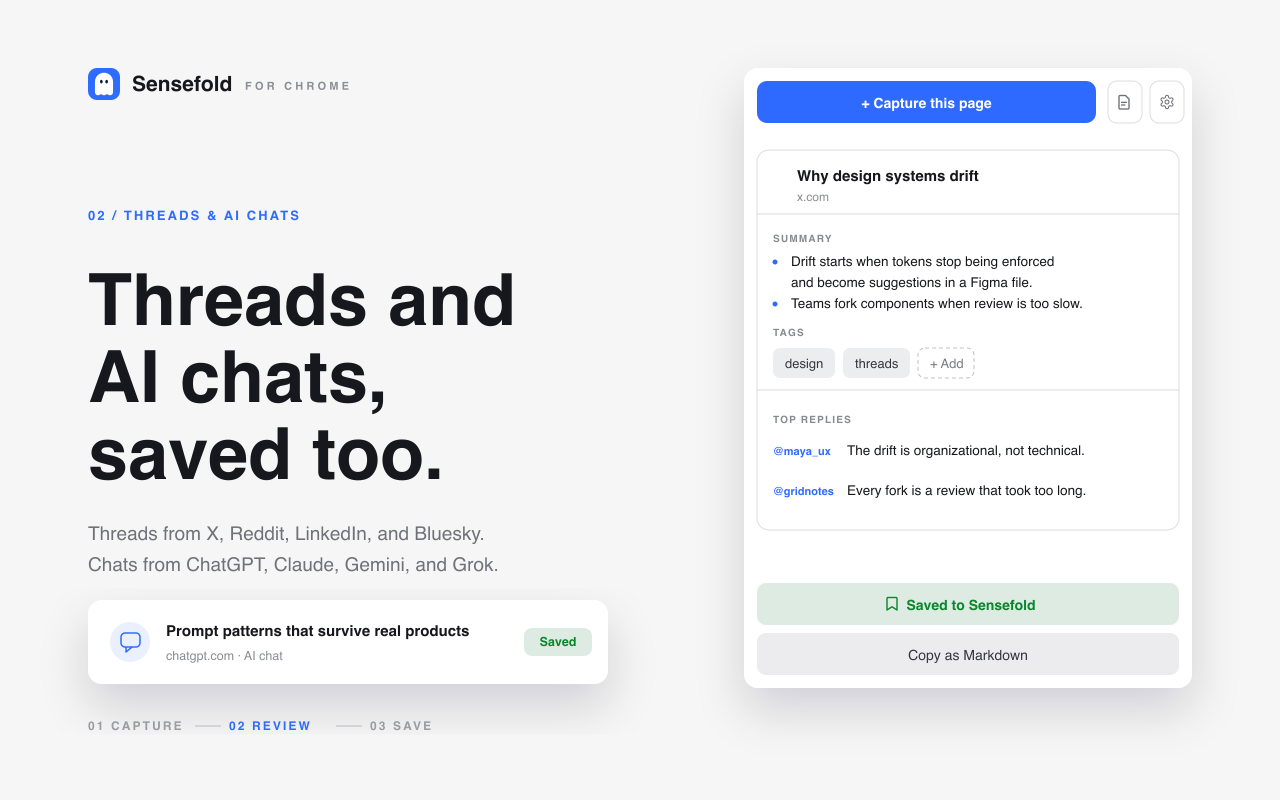
Sensefold is a personal context: one private, model-independent space where articles, PDFs, videos, social threads, your own notes, and your AI conversations are stored as Markdown, enriched with summaries, tags, and OCR on save, and readable and writable by any AI you use over MCP. Saving is free; AI processing runs on credits.
That makes it the odd one out on this list. A reader makes an article pleasant to consume; a bookmark manager is a place you go back to. Sensefold is a place your own AI goes back to, so the tab you clipped last month is available inside Claude, ChatGPT, Cursor, or Claude Code when you are actually working.
Capture: articles, threads, videos, and AI chats as Markdown
The Chrome extension is the main way in. One click captures the page as Markdown: articles, X, Reddit, LinkedIn, Threads, and Bluesky threads with their replies, YouTube pages with the transcript, and ChatGPT, Claude, Gemini, and Grok conversations with each turn labelled by speaker (how AI-chat capture works). You review the draft summary and tags in the side panel, then save; the extension only reads a page when you click Capture, never in the background. On iPhone and iPad, the share sheet does the same job for links, PDFs, images, and screenshots. The web app accepts drag-and-drop and paste, and the Apple Silicon Mac app is the same library as a native window (download for Mac). Your own notes live in the same library.
Enrichment on save, never on your notes
Captures get a summary, tags, OCR for images and scanned PDFs, and a chapter guide for YouTube transcripts without you writing a prompt. Search is hybrid, keyword plus semantic, so a half-remembered phrase from a PDF still finds the item. Two rules keep that predictable. Sensefold's automatic AI never rewrites the notes you author; they are indexed for search and otherwise left alone. And when an agent you have authorized edits a note, the edit is versioned and can be reverted.
Connect: your own AI reads and writes over MCP
Sensefold has no built-in chat. Instead, the AI you already use connects to the MCP server at https://api.sensefold.app/mcp, either by paste-and-authorize OAuth or with a revocable Agent key scoped to read_only, edit, or full access. Claude, ChatGPT, Claude Code, Codex, Cursor, OpenClaw, Hermes, or any other MCP client then calls search_hub and get_item to read what you saved, and save_note, update_note, and update_tags to write back. Every search result carries a deep link to the saved item, so an answer built from your library can cite the exact capture it came from (why that citation matters). The full tool list is in the MCP tools reference, and the setup guides are on the for agents page.
Leaving: whole-library Markdown export
Everything is Markdown underneath, and it stays yours. You can export the whole library as a Markdown ZIP from the web app, and copy any single item as Markdown from the extension or the iOS app. Libraries are private by default, there is no ad model, and the third-party processors Sensefold uses are listed on the subprocessors page alongside the privacy policy.
Who should choose Sensefold
Sensefold fits people who already work with more than one AI and are tired of re-explaining context to each of them: researchers, writers, consultants, and developers who save across formats and want one library that Claude, ChatGPT, and their coding agents can all read, especially if the material includes the AI conversations themselves.
The trade-offs are just as clear. It is not a reading-first app: there is no reader view, no text-to-speech, and no built-in Q&A; the answering is done by whichever AI you connect. It runs on the web, iPhone and iPad, Chrome, and Apple Silicon Macs, with no native Windows, Linux, or Android app. PDFs are priced per page and capped at 10 MB and 200 pages, as the files guide lists. And it is paid: saving is free, AI work runs on credits, and new subscriptions start with a 14-day free trial (800 credits, card required, charged when the trial ends, cancel anytime). Monthly credits do not roll over; a one-time credit pack covers overflow. Current plans are on the pricing page.
2. Readwise Reader
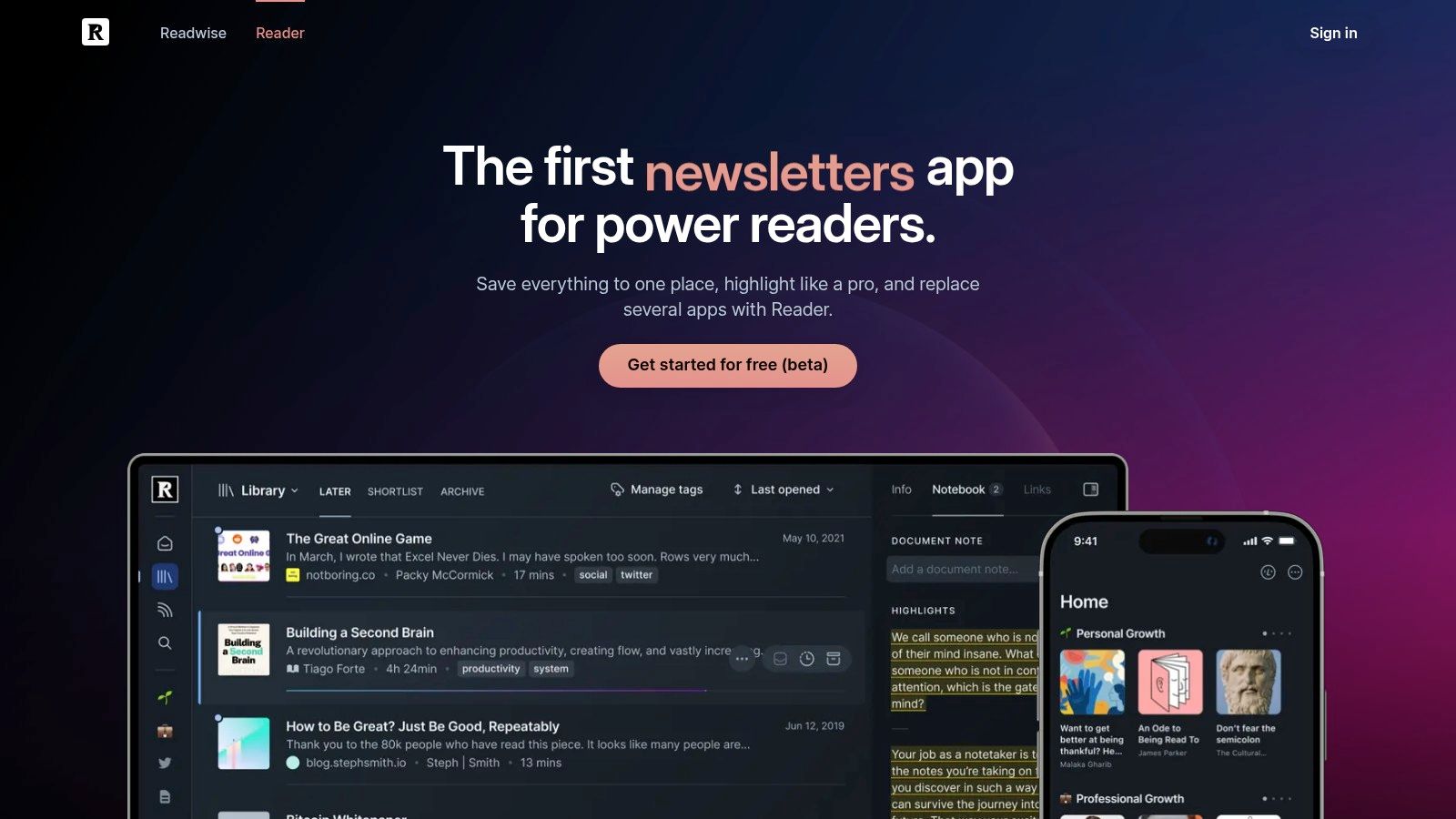
Readwise Reader is one of the most capable options for people who do not just save things to read, but actively mark them up, extract highlights, and feed them into a larger notes system. It covers articles, PDFs, EPUBs, newsletters, RSS, and YouTube transcripts, which is part of why it has become a common destination for former Pocket users with heavier workflows.
Best for heavy annotation
Reader shines when highlighting is central to the workflow. Ghostreader adds summaries and question prompts on top of saved material, and is most useful inside a document, when you want an explanation or a translation in the middle of a PDF. The integrations with Obsidian, Notion, and Roam make it useful for people whose reading connects directly to a note-taking system. Highlights leave easily; the full text of what you saved is harder to get out in bulk.
The biggest limitation is that Reader can feel like too much system for people who mostly want a clean place to stash links. It is priced for serious use, with Reader access tied to Readwise plans shown on the company's pricing page (Readwise pricing). It makes the most sense when your real habit is "read, highlight, reuse," not "save and maybe skim later." For a feature-by-feature breakdown, see Sensefold vs Readwise Reader.
3. Matter
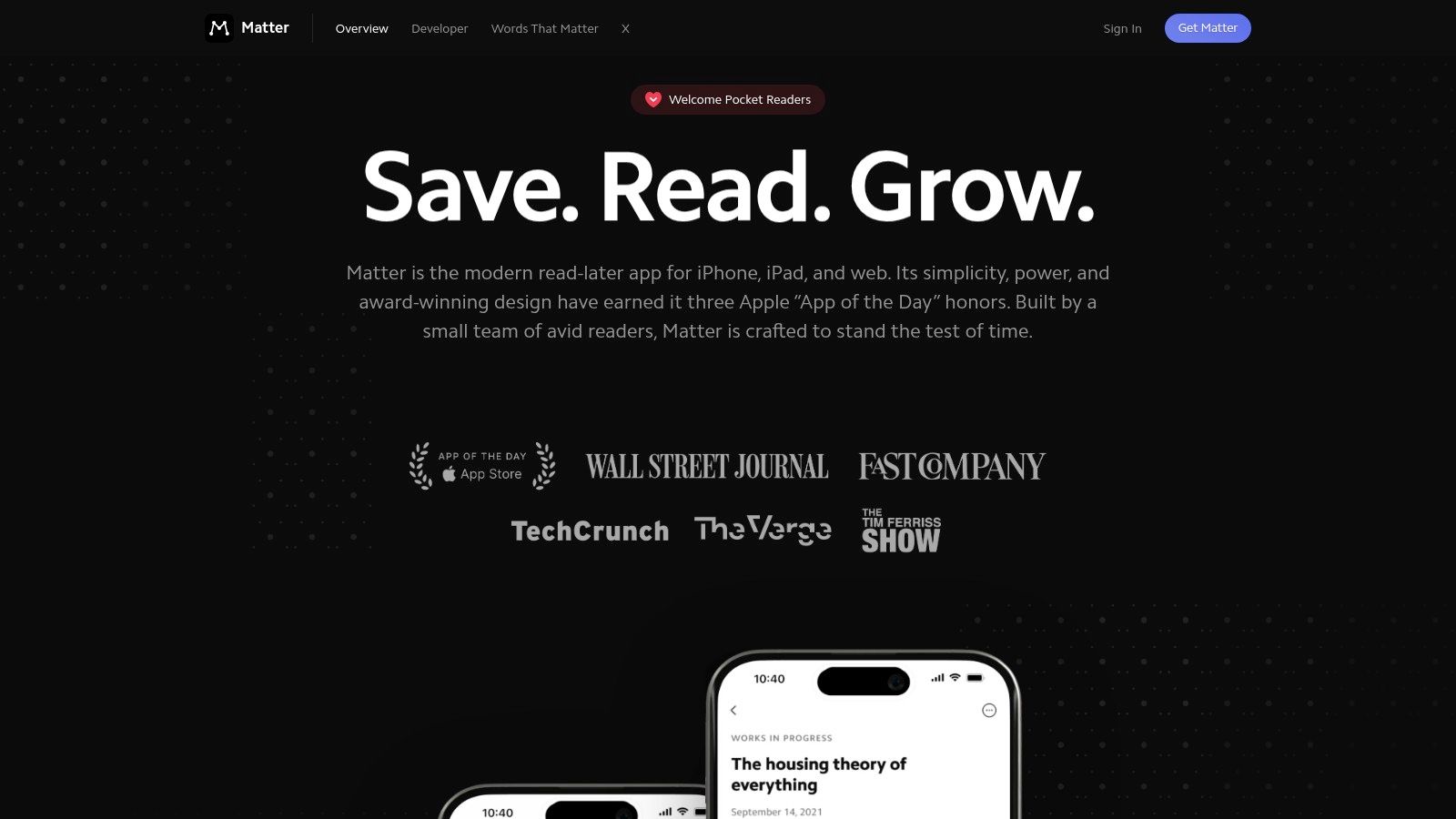
Matter is a good fit for readers who care as much about the feel of the product as the feature list. It is polished, calm, designed around the reading experience first, and it also handles newsletters and RSS.
Best for elegant reading and listening
Matter's biggest strength is the experience of using it. The interface is clean, typography is strong, and its text-to-speech and listening features are among its better arguments for people who like turning saved articles into commute audio. The AI co-reader adds a layer of assistance without making the whole app feel like a heavy-duty system.
The practical trade-off is the paywall. Matter's paid plan is listed on its Patron page (Matter Patron pricing), and many of the features that make it stand out sit on the premium side. Matter describes itself as an app for iPhone, iPad, and web, so Android users should look elsewhere.
Compared with Readwise Reader, Matter feels calmer; compared with Instapaper, more modern. See Sensefold vs Matter for the head-to-head.
4. Instapaper
Instapaper still matters because it remembers what this category originally did well: save an article, strip the clutter, read offline, highlight if needed, and move on. It is the most established pure reader left after Pocket.
Best for calm article reading
Instapaper's main advantage is focus. The reading interface stays out of the way, and it still works well for people who send longer pieces to Kindle. Basic reading costs nothing: unlimited saves, offline reading, folders, tags, and typography controls. Premium ($5.99 per month or $59.99 per year, as of September 2026) adds full-text search, PDF saving, and unlimited on-demand summaries; without it, summaries are capped at a small monthly allowance (5 per month at the time Instapaper announced the feature) and are generated one article at a time (Instapaper summaries).
Its limitations are just as clear: no mixed-media capture, no automatic enrichment on save, no RSS inbox, and no MCP or agent access. People rarely leave because reading got worse; they leave for feeds (Readwise Reader), a one-time price (GoodLinks), ownership (wallabag), or saves that include threads and AI chats with automatic summaries (Sensefold, Cubox). If you want a reliable article reader that does one job well, Instapaper still deserves a place on the shortlist; the Sensefold vs Instapaper page walks through the difference.
5. Raindrop.io
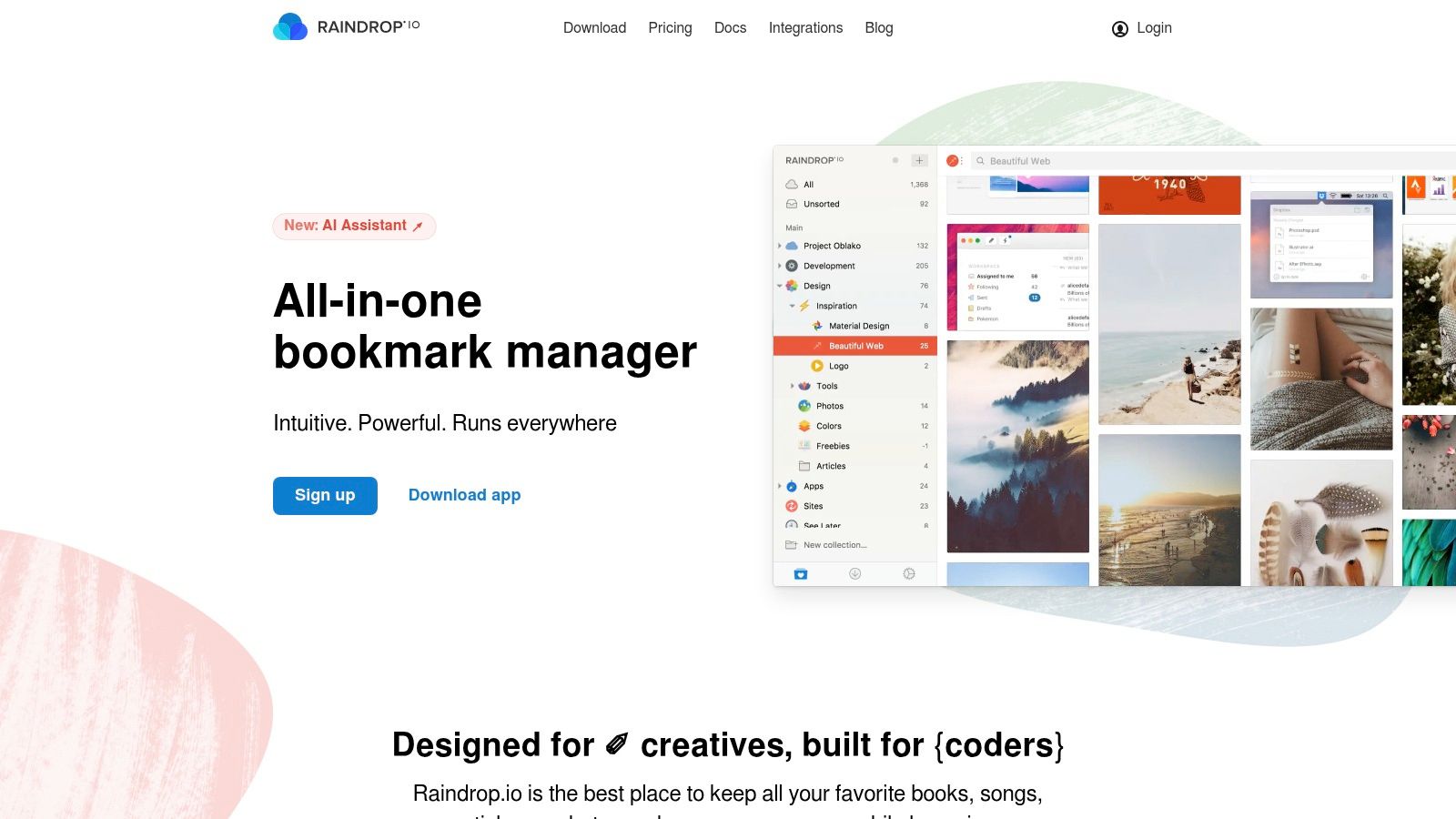
Raindrop.io is often the right answer when the core problem is not reading but retrieval: a lot of people think they need a read-it-later app when what they really need is a better way to organize a large universe of links across work, hobbies, research, and reference. Raindrop is a bookmark manager first and a reading tool second, and its visual collection views make it one of the easiest large libraries to browse.
Best when organization matters more than annotation
Raindrop's nested collections, tags, and cross-platform sync make it useful for libraries that do not fit inside a simple unread queue. The free plan is generous for basic use; Pro adds the maintenance features that matter once a library gets old: full-text search, permanent copies, duplicate and broken-link detection, reminders, and backups.
The reading experience is good enough, but it is not the point, and heavy annotation is not where it stands out. On the AI side Raindrop has moved: since February 2026 its Stella assistant (beta, Pro only) answers questions grounded in your bookmarks, and Raindrop publishes an MCP server with read and write tools so ChatGPT, Claude, and other clients can search and edit your library (Stella). What it still does not do is capture AI conversations or social threads as text, enrich saves with OCR and transcripts, or store items as Markdown you can export in bulk.
You can explore it at Raindrop.io, or see how its manual-organization model compares with automatic tagging in Sensefold vs Raindrop.
6. wallabag
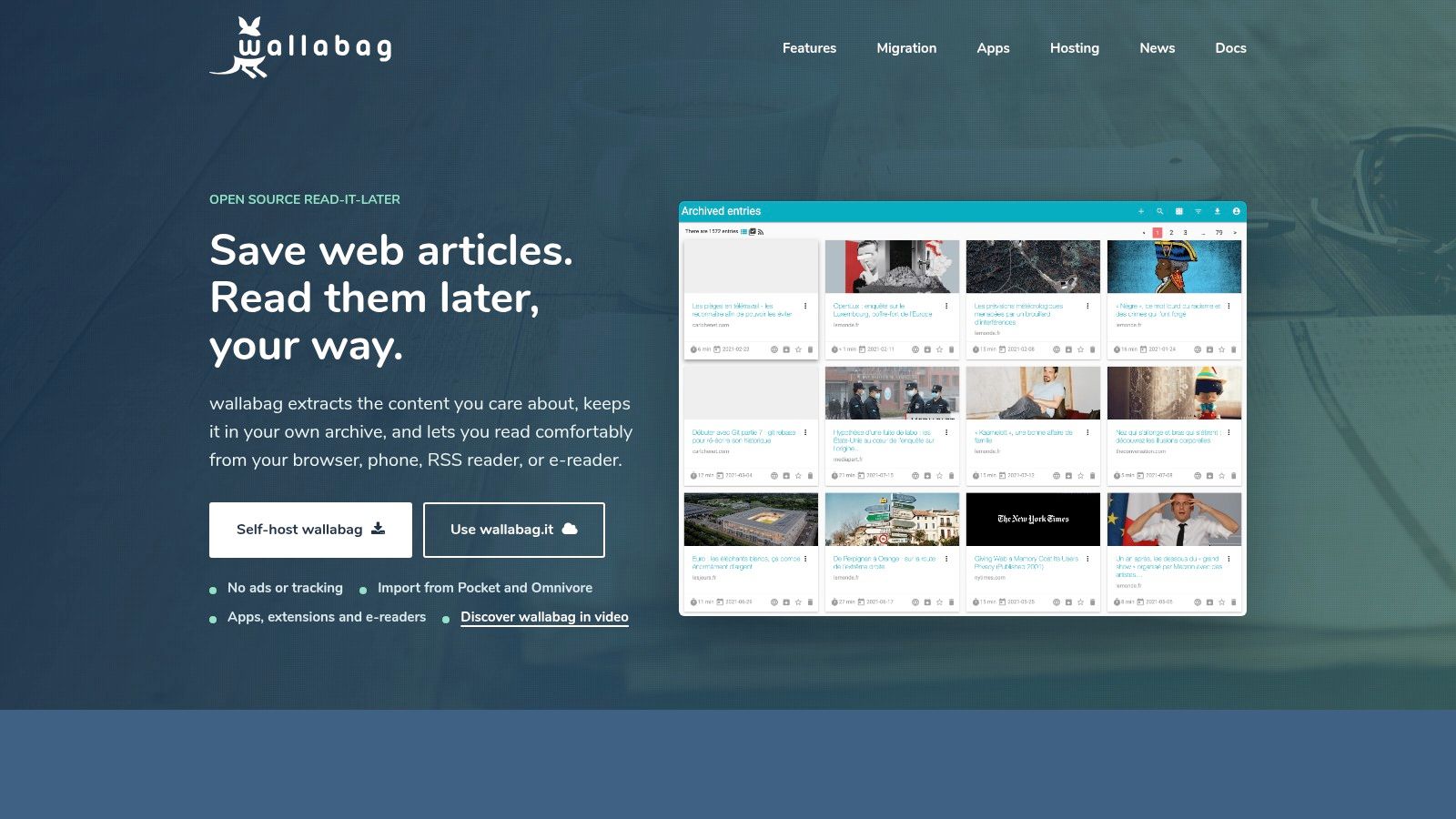
wallabag is built for readers who want control over their archive. If your main fear is waking up one day to find the product changed hands or shut down, its ownership-first model is appealing. It is less polished than the most consumer-friendly apps here, but that trade-off is the point.
Best for people who want control
wallabag lets you save full-text articles, read them in a clean interface, tag and organize them, and keep the whole stack under your control if you self-host; wallabag.it is the hosted option for people who do not want to maintain a server. Because the archive is yours, it also exports cleanly in several formats, which is the durable answer to the Pocket and Omnivore problem.
The trade-off is straightforward. wallabag is built around articles rather than mixed-media research, it is not the choice for AI-assisted summarization or OCR-heavy document handling, and it has no MCP interface. The project site is wallabag; for the API and export angle, see Sensefold vs wallabag.
7. GoodLinks
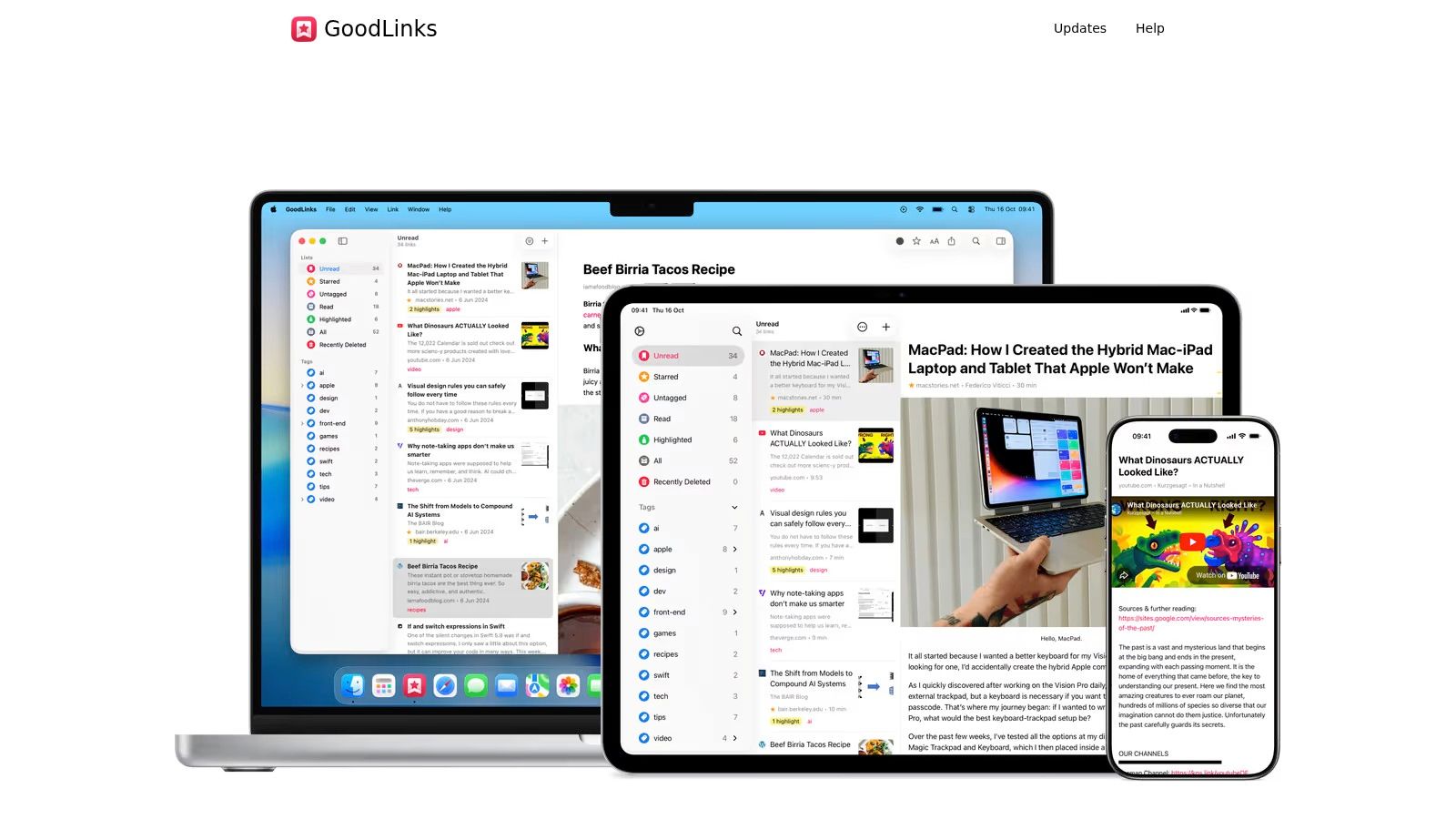
GoodLinks is easy to recommend because it knows exactly what it is. It is for Apple users who want fast capture, a native feel, and minimal overhead. It does not try to become a research system or a cross-platform library.
Best Apple-only option for low-friction saving
The share sheet flow is the main selling point. GoodLinks fits naturally into iPhone, iPad, and Mac usage, and that matters more than a long feature list if speed at the moment of saving is your top priority.
Its purchase model is also attractive for people who are tired of recurring subscriptions: a $9.99 one-time purchase, with an optional yearly pass for newer features (GoodLinks press kit). The limitation is equally obvious: it stays inside the Apple ecosystem and offers no automatic enrichment or agent access. It is what you choose when you want your read-later app to disappear into the operating system and quietly do its job. The product site is GoodLinks; see Sensefold vs GoodLinks for the comparison.
8. Cubox
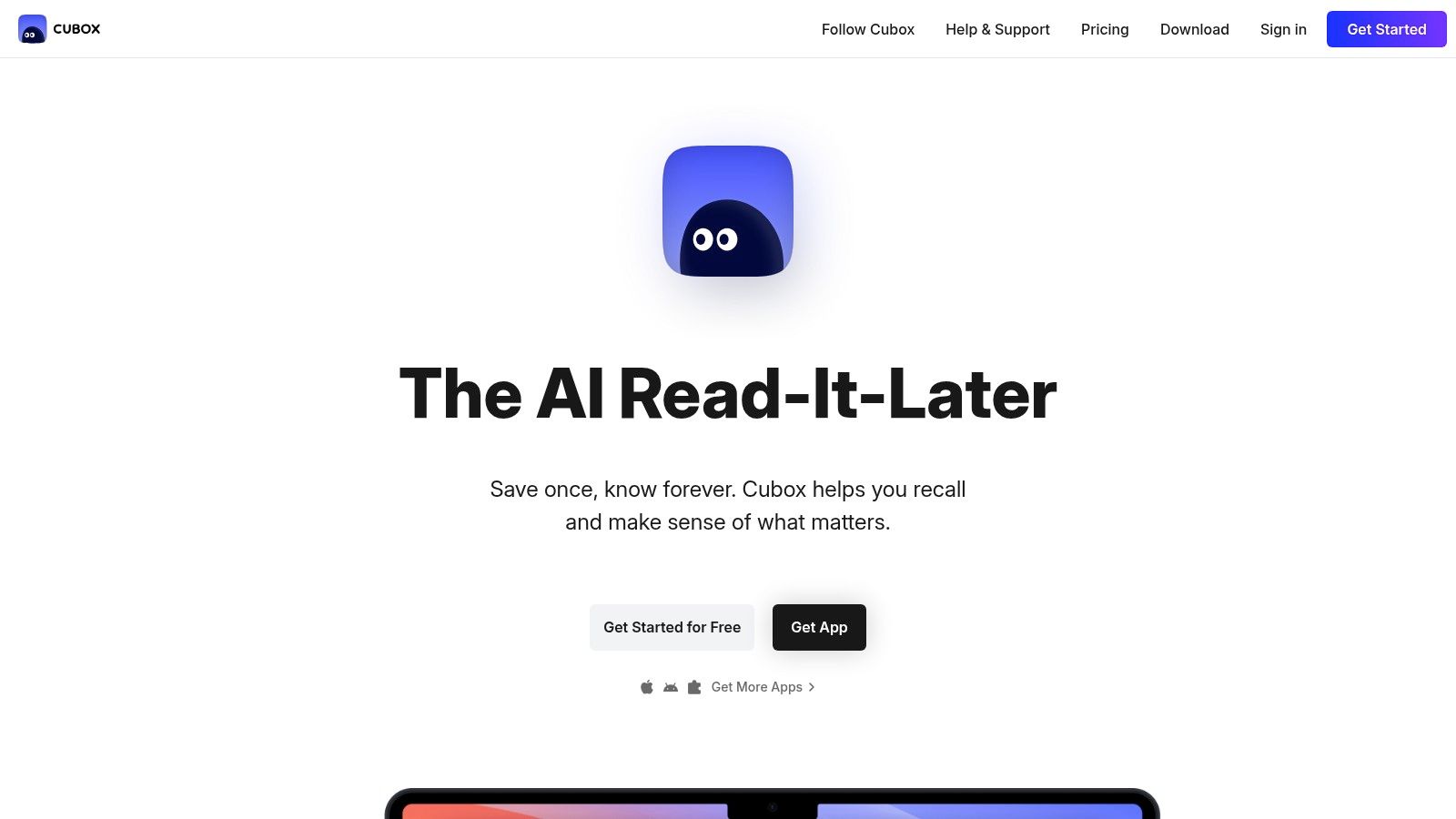
Cubox sits in the middle ground between simple readers and more system-heavy tools. Its appeal is structured organization plus AI assistance for triage.
Best for structured queues with built-in AI help
Cubox gives users parsing, snapshots for offline reading, multi-color highlights, nested folders, tags, email drop, an API, and AI summaries that help sort what needs attention now versus later. It is especially useful if you read across phones, tablets, desktops, and e-ink devices. As of September 2026, Pro is $29 per year and Pro+AI, which adds the AI Reading Assistant and summaries, is $49 per year with a 14-day trial.
The compromise is that people who want deep annotation or broad mixed-format capture may still prefer more specialized tools, and its AI is a built-in assistant that lives inside Cubox rather than access for the AI you already use. For queue management with a layer of AI help, Cubox is a strong option at Cubox; see Sensefold vs Cubox for the AI-side differences.
9. mymind
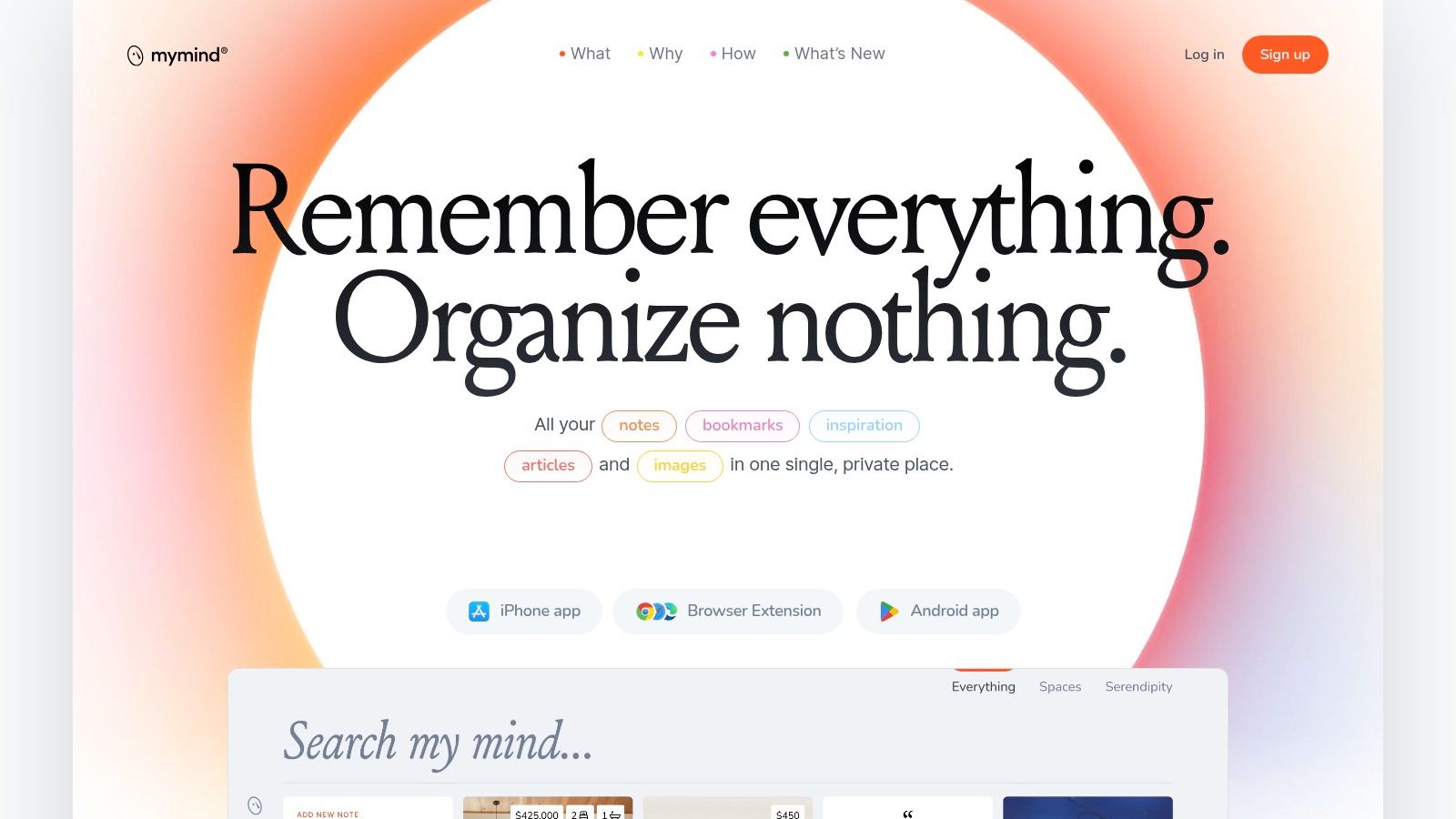
mymind is for people who hate managing systems. If folders feel like chores and tags feel like homework, this is the tool that tries to remove both. Instead of asking you to build a taxonomy, it leans on auto-categorization, OCR, visual recognition, and resurfacing features such as "Same Vibe" to make saved material easy to rediscover.
Best for visual thinkers who never want to make a folder
Designers, brand researchers, and visual collectors should look here first. Saved libraries usually fail at re-entry, not storage: a bare title rarely triggers enough memory to make you open something again, while a visual preview gives you a cue you can recognize. mymind is built around that cue, with no ads, no tracking, and no social feed.
The trade-off is pricing. As of September 2026 there is no free plan: The Bookmarker starts at $4.99 per month and is explicitly a no-AI tier, Student of Life is $7.99 per month, and the AI features, article backup, and summaries sit in Mastermind at $12.99 per month. Citation-heavy research is better served elsewhere on this list. The product site is mymind.
10. Anybox
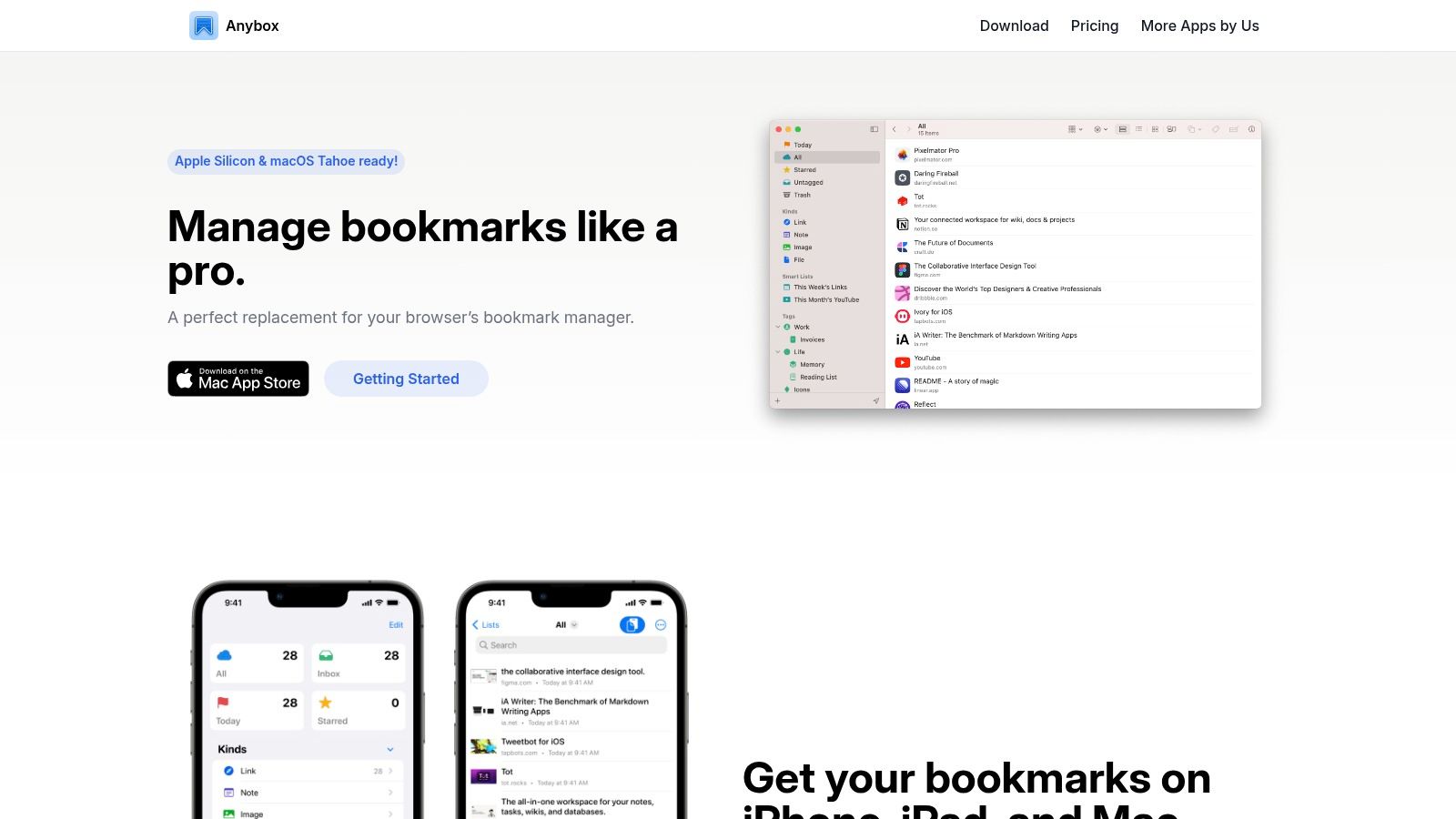
Anybox feels built by someone who understands Apple users who live on keyboard shortcuts. It is native to macOS and iOS, fast, and full of small workflow conveniences that do not show up on feature grids but matter every day: Quick Save, Quick Find, floating bookmark access, smart lists, nested folders and tags, and local PDF and WebArchive archiving.
Best for Apple-heavy, keyboard-first workflows
If you use Raycast, Alfred, Shortcuts, or AppleScript, Anybox gets much more compelling: the automation hooks turn "save this for later" into a near-instant action instead of a context switch. Where GoodLinks is a reading list, Anybox is a bookmark manager.
The downside is obvious. It is Apple-only, so work that crosses into Windows or web-first environments hits a dead end, and the free tier is limited enough that serious use usually means upgrading. The product site is Anybox.
11. Linkwarden
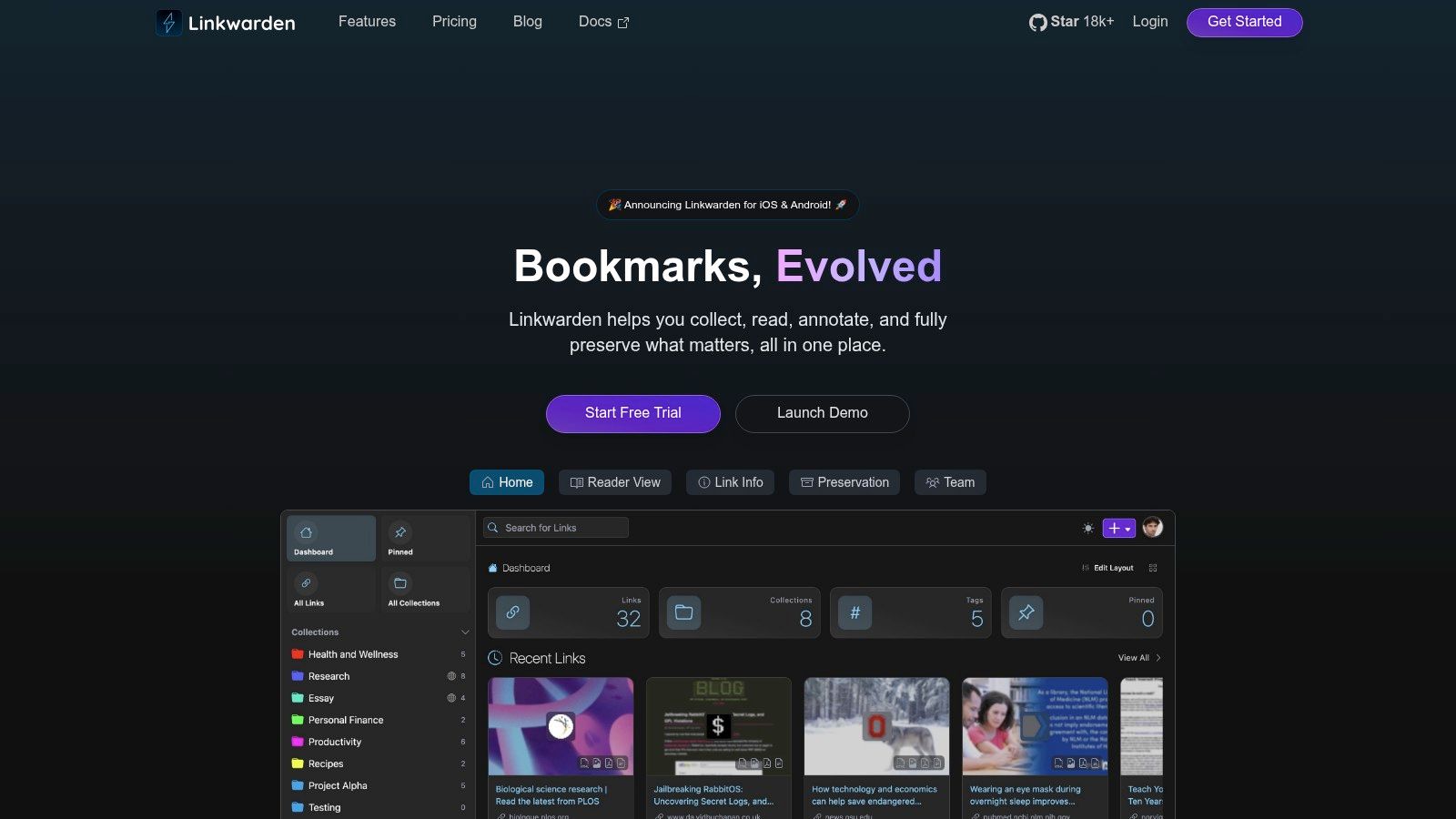
Linkwarden is the archival choice. If your biggest fear is link rot, disappearing pages, and losing access to material you meant to keep, it does something most lightweight apps do not: it preserves pages in multiple forms, including screenshot, PDF, and HTML.
Strongest for ownership and permanence
You can self-host Linkwarden or use the managed cloud version, and collections, labels, annotations, and collaboration make it a shared archive with some structure built in rather than just a freezer for URLs. That suits researchers, teams, and self-hosters who want durable records instead of references that may break later.
There is a practical cost: self-hosting requires setup and maintenance, and the cloud plans vary by tier. But if your saved material includes pages you cannot afford to lose, Linkwarden solves a problem simpler tools ignore. The project site is Linkwarden.
Migration context: Pocket and Omnivore
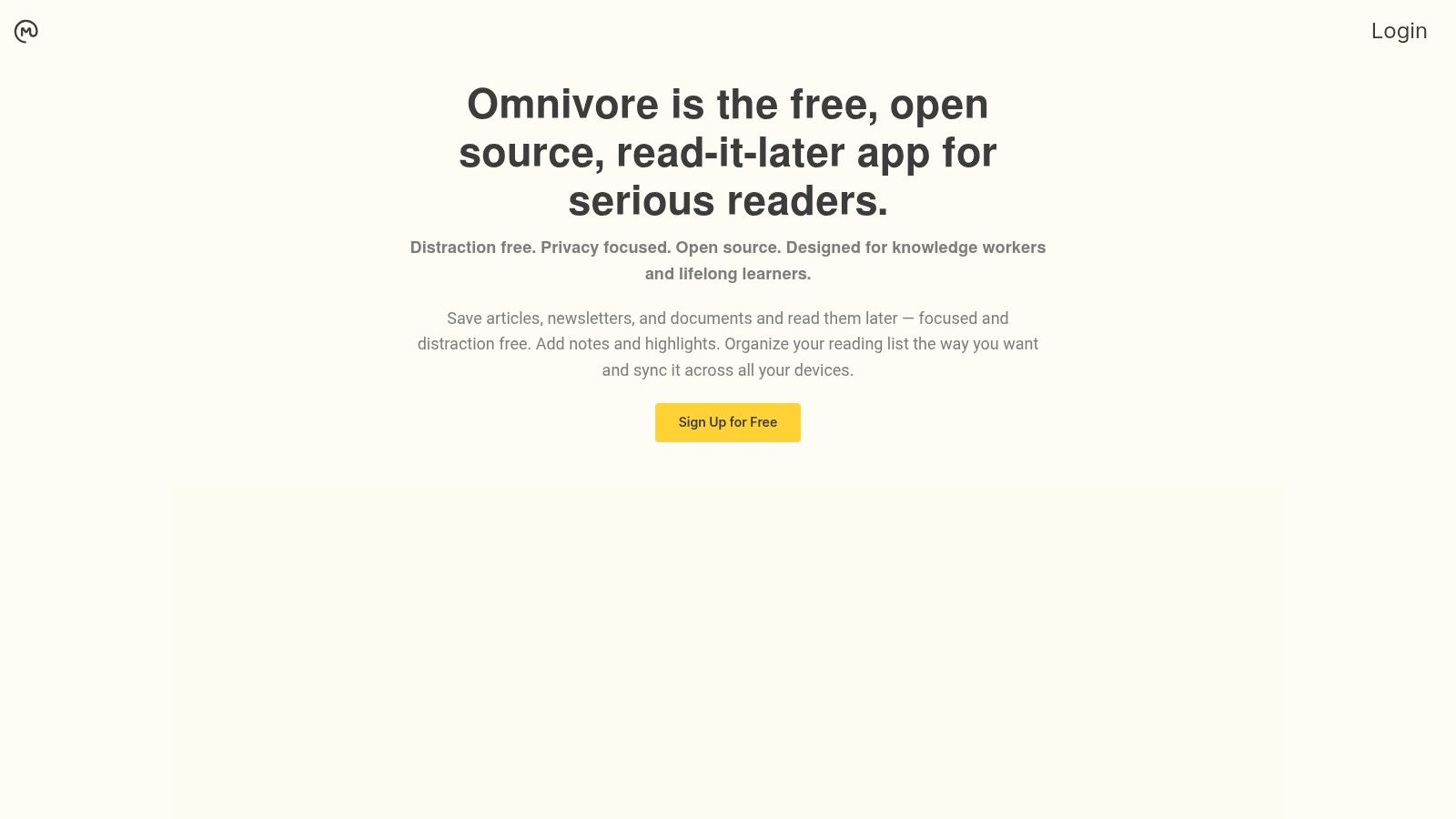
Neither is an active recommendation, but both still shape how people compare the apps above.
Pocket defined a very specific kind of read-later workflow: one-tap saving, a clean article view, basic highlighting, and almost no setup. Mozilla announced the shutdown on May 22, 2025, closed the apps on July 8, 2025, and ended export-only access on November 12, 2025, when data deletion began (Mozilla support). If Pocket matched your habits, Instapaper is the closest fit for straightforward reading, Matter for reading and listening, and Readwise Reader or Sensefold if your saved items feed a broader workflow. The Pocket alternatives guide covers the migration and the Sensefold vs Pocket page maps each old habit to its closest replacement.
Omnivore combined an open-source ethos with strong reading, highlighting, RSS, and newsletter support. ElevenLabs hired the team in October 2024 and the hosted service went offline the following month (TechCrunch); the code remains open source and self-hostable. For former Omnivore users, Readwise Reader is the closest fit on annotation, wallabag or Linkwarden on control and self-hosting, and Sensefold for broader capture stored as Markdown your own AI can read; see also Sensefold vs Omnivore.
Comparison table
The biggest difference in this category is not raw feature count. It is what happens to a saved item after you save it: whether it is enriched, whether it leaves as text, and whether the AI you already use can get at it. "Your own AI can read it" means a documented MCP server or equivalent agent interface; "not verified" means we found no such interface in the official documentation as of September 2026. Prices were checked the same month; the vendor's page wins if they disagree.
| Product | Best fit | Capture | Enrichment on save | Your own AI can read it? | Status |
|---|---|---|---|---|---|
| Sensefold | People using several AIs who want one library all of them can read | Articles, PDFs, images, YouTube transcripts, social threads, ChatGPT/Claude/Gemini/Grok chats, notes; everything as Markdown | Summaries, tags, OCR, chapter guides (captures only; notes are never rewritten) | Yes: MCP read and write, OAuth or scoped Agent key; every result links to the saved item; Markdown ZIP export | Active |
| Readwise Reader | Power readers and annotators | Articles, PDFs, EPUBs, newsletters, RSS, YouTube transcripts | Ghostreader summaries on request | Not verified; highlights export to Obsidian, Notion, Roam | Active |
| Matter | Readers who value polish and listening | Articles, newsletters, RSS | AI co-reader on paid plans | Not verified | Active |
| Instapaper | People who want straightforward article reading | Articles; PDFs on Premium | On-demand summaries, 5/month without Premium | No | Active |
| Raindrop.io | Bookmark-heavy users with large libraries | Links, files, screenshots | AI tag suggestions; Stella chat (beta, Pro) | Yes: Raindrop MCP server with read and write tools | Active |
| wallabag | Privacy-first users and self-hosters | Articles | None | No MCP; full export and REST API | Active |
| GoodLinks | Apple users who want low-friction capture | Links | None | No | Active |
| Cubox | Users managing growing queues across devices | Articles, links, snapshots | Built-in AI summaries and assistant (Pro+AI) | Not verified | Active |
| mymind | Visual thinkers who never want to make a folder | Links, images, notes | Automatic tagging, OCR, "Same Vibe" resurfacing (Mastermind) | No; AI stays inside mymind | Active |
| Anybox | Apple power users on keyboard shortcuts | Links; PDF and WebArchive archiving | None | No | Active |
| Linkwarden | Archivists and teams fighting link rot | Links preserved as screenshot, PDF, and HTML | None | No | Active |
| Former Pocket users comparing replacements | Articles | None | No; service and data gone | Discontinued Jul 8, 2025 | |
| Omnivore | Former Omnivore users comparing replacements | Articles, newsletters, RSS | None | No; hosted service gone, code self-hostable | Discontinued Nov 2024 |
Reader, bookmark manager, or context: deciding what you actually need
The labels get used interchangeably, but they describe different jobs, and picking the wrong one is why so many saved libraries die.
-
A read-it-later app (Instapaper, Matter, GoodLinks, Cubox) queues content you will consume once, then optionally keeps highlights. Pick one if reading the article is the point and you rarely come back afterwards.
-
A bookmark manager (Raindrop.io, Anybox, Linkwarden) organizes references you will return to many times. It is built around URLs, folders, and collections, and retrieval depends on remembering what you called something. Readwise Reader and wallabag sit between the two: archives you also read in.
-
A link organizer keeps the content behind the link, not just the pointer, and adds structure automatically so you can search inside articles, PDFs, and screenshots for the passage you half-remember. mymind works this way.
-
Context for your AI. Sensefold is a link organizer with one extra step: the organized content is readable by your own AI, not only by you. Capture once with the extension, let the summary, tags, OCR, and transcript land automatically, and any MCP client you authorize can search the library, open the exact item, and write notes back. If the AI conversations themselves are part of what you save, this is the only option on the list that captures them as labelled Markdown.
In short: a tool that only helps you save is a bookmark manager; one that helps you find and reuse is a link organizer; one that also lets the AI you already use find and reuse is personal context.
Before you commit, run a small trial with your own messy material: save one article, one PDF, and one screenshot; leave them alone for a few days; search for a concept buried inside the content, not the title; and if the app has agent access, ask your own assistant a practical question you would need answered during work. A tool earns a permanent place when it lowers both the cost of saving and the cost of reuse. If your backlog includes more than articles and more than one AI needs to read it, Sensefold is the place to start; the for agents page shows the MCP setup in a few minutes.
Frequently Asked Questions
What is the best read-it-later app in 2026?
There is no single winner; it depends on the job. For calm article reading, Instapaper and Matter are the most refined. For heavy highlighting and exports into a notes system, Readwise Reader leads. For bookmark sprawl, Raindrop.io. For mixed-format capture (articles, PDFs, screenshots, threads, videos, and AI chats) stored as Markdown that the AI you already use can read over MCP, Sensefold is built for exactly that.
What is the best free bookmark manager or read-later app?
For classic link bookmarking, Raindrop.io's free tier is the strongest: unlimited bookmarks, collections, and cross-platform apps. Instapaper's no-cost account is the strongest for pure article reading. Linkwarden and wallabag cost nothing if you self-host. mymind has no free plan as of September 2026. Sensefold is a paid product with a different split: saving is always free, AI processing runs on credits, and new subscriptions begin with a 14-day free trial that includes 800 credits (card required, charged when the trial ends, cancel anytime). Details are on the pricing page.
Is Pocket still available?
No. Mozilla shut Pocket down on July 8, 2025, and export-only access ended on November 12, 2025, when data deletion began. No single app inherited its role: Raindrop.io absorbed users who mainly wanted organized bookmarks, Instapaper and Matter took the reading-first crowd, Readwise Reader took the power users, and Sensefold picked up people who wanted their saves readable by the AI they already use.
Does Sensefold have a built-in chat or Q&A?
No. Sensefold stores what you save as Markdown and exposes it over MCP at https://api.sensefold.app/mcp. The AI you already use does the asking: it calls search_hub and get_item to read your library, each result links back to the saved item so you can check the source, and with an edit-tier key it can write notes back, versioned and revertible.
What is the difference between a read-it-later app and a bookmark manager?
A read-it-later app optimizes for consuming content: clean article view, reading queue, offline access. A bookmark manager optimizes for retrieval: collections, tags, and search over a large permanent library. The line is blurring; Raindrop added reading features and an MCP server. Sensefold is neither category: it is personal context, a Markdown library that you and your own AI read and write, whether or not you ever "read it later."