Sensefold for iPhone & iPad · v1.7.0
Save from any app. Read it back as Markdown.
The Sensefold app sits in the share sheet of every app on your iPhone and iPad. Share a link, a PDF, a screenshot, a Word or PowerPoint file, or a paragraph of text, add a comment as you save, and it lands in your library with a summary, tags, and searchable text, synced to the web app, Chrome, and your Mac, and readable by your own AI over MCP.
- App Store, version 1.7.0
- One app for iPhone and iPad
- Free app; saving is free, AI runs on credits

Save from the share sheet
If you can share it, you can keep it. Sensefold appears in the share sheet of Safari, Mail, Files, Photos, X, Reddit, YouTube, and every other app that shares links, text, images, or documents. The share extension has a comment box, so the thought you had while reading is saved with the item, and nothing is saved until you tap Save.
Links
Articles, newsletters, and any readable page. Sensefold visits the link for you and keeps the readable text with the source URL attached. Pages behind a login or a paywall need the Chrome extension, which reads the tab you already have open.
Details in the docs →Videos
Share a YouTube link and the video is saved with its transcript, so what was said becomes text you can search, plus a chapter guide and a follow-along transcript that seeks the player to the moment.
Details in the docs →Threads
Reddit posts come in with their comment thread rather than just the first post, and an X link saves that post. Threads, Bluesky, and Hacker News links are captured as readable pages.
Details in the docs →PDFs and documents
PDFs, Word, and PowerPoint files from Files, Mail, or any app that can share a document. Every page becomes searchable, scanned PDFs included, and the file itself stays in your library.
Details in the docs →Photos and screenshots
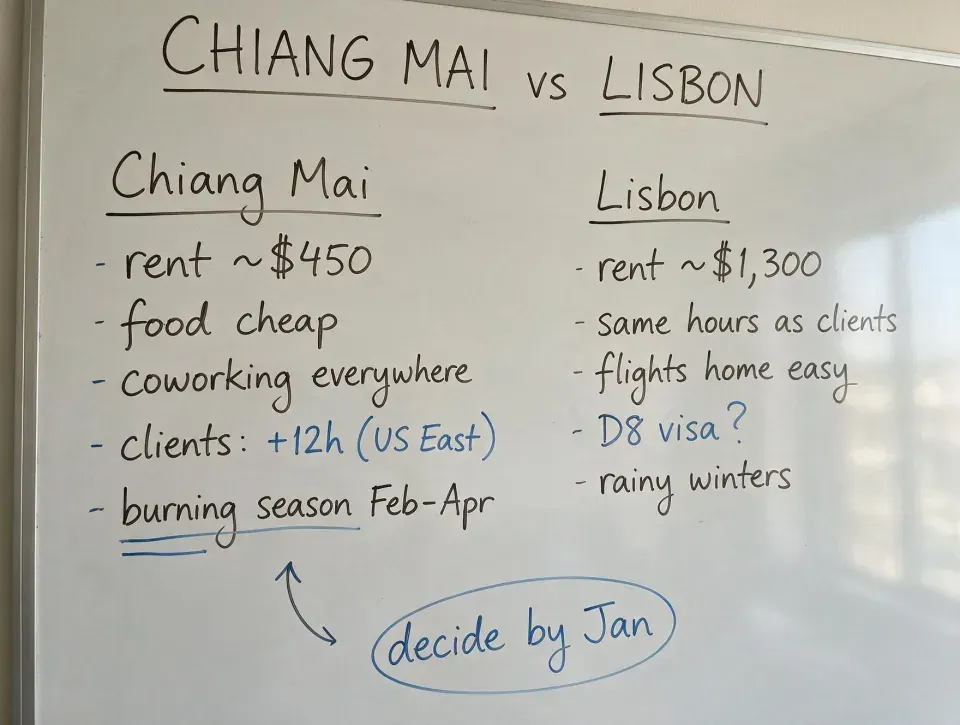
Share from Photos or pick images from your camera roll. The text in the image is extracted, so a whiteboard, a slide, or a screenshot of a receipt is searchable by what it says.
Details in the docs →Plain notes
Share a passage you selected or a paragraph you wrote and it lands as one of your own notes. Notes are indexed for search and never rewritten by Sensefold's automatic AI; you can also write one in the app.
Details in the docs →
Inside the app, the plus button opens the same choices without the share sheet: write a note, save a link, take a photo, pick images, or import a document. Copied a link somewhere else? The app notices it on your clipboard and offers to save it. Share something that is already in your library and the app says so, with a tap to jump to the existing item, so you do not collect duplicates. Saved items are indexed for Spotlight, and the app adds home-screen quick actions for a faster save.
The one thing the phone cannot capture is an AI conversation. ChatGPT, Claude, Gemini, and Grok chats live behind your login with no share-sheet route, so they are captured with the Chrome extension as speaker-labelled Markdown. Once captured, they sync to your phone with everything else.
Captures come back enriched
Saving is the whole job on the phone. A few seconds later the item comes back with an AI summary and suggested tags, so the library stays findable without you filing anything. What you saved decides what else happens: an image or a scanned PDF gets its text extracted with OCR, a YouTube video gets a chapter guide and a follow-along transcript, an article gets its readable text and source kept together.
Search is keyword and semantic at once, so the whiteboard photo turns up for a word written on it, and the video turns up for something said in minute fourteen. Every item also takes comments, and video comments can be pinned to a timestamp.
Your own notes are the exception, on purpose. They are indexed for search and never rewritten by Sensefold’s automatic AI. Only an agent you authorize can edit a note, and every edit is versioned and revertible. Enrichment runs on the credits in your plan; saving itself never spends any.
Copy as Markdown, from the item menu
Every capture is normalized to Markdown, and the phone gives it back to you as plain text. Open any item, open its menu, and Copy as Markdown puts the title, source, and content on your clipboard, ready to paste into Obsidian, a document, or a message. The same button exists in the Chrome extension.
The standard iOS share sheet works on items too, so a saved article or transcript can go to any other app. For everything at once, the web app exports the whole library as a Markdown ZIP, one file per item with your highlights and comments. It costs no credits, and it is the same format your AI reads over MCP at https://api.sensefold.app/mcp.
Same library everywhere
The phone is one door into a single library. What you share on the bus is in the web app when you sit down, next to the conversation you captured with the Chrome extension and the PDF you dropped in from your Mac. Sync is realtime, in both directions, with no manual refresh.
The same library is readable and writable by your own AI. Connect Claude, ChatGPT, Claude Code, Cursor, or any MCP client to https://api.sensefold.app/mcp and it can search what you saved on the phone, read the items, cite them by deep link, and, if you allow it, write notes back. Reads never spend credits, agent edits are versioned, and you can revoke access at any time. The setup is on Sensefold for agents.


Frequently asked questions
Can the iPhone app save ChatGPT or Claude conversations?
No. AI conversations live behind your login and have no share-sheet route, so they are captured with the Sensefold Chrome extension on a desktop browser. Once captured they sync to your phone like everything else, so you can read and search them in the iOS app.
Does Sensefold work on iPad?
Yes. One app from the App Store runs on iPhone and iPad, with the same share sheet, the same library, and the same Copy as Markdown action. Whatever you save on one device is on the other a moment later.
Is the iOS app free?
The app is free to download, and saving to your library is free. AI work on what you save (summaries, tags, OCR, transcripts) runs on credits that come with a Starter or Pro plan, and every new subscription starts with a 14-day free trial with a card on file. Monthly plans and the credit pack cost the same in the App Store as on the web; annual plans differ slightly because of Apple's price tiers.
What happens when I save a link from another app?
Sensefold visits the link as a signed-out visitor and extracts what the page makes available: readable text for articles, the transcript for YouTube, the post for X, the post with its comment thread for Reddit, every page of a PDF. If the page is already in your library, the app tells you and offers to open the existing item instead of saving a duplicate.
How do I get my content out of the app?
Copy as Markdown puts any item on your clipboard as plain text, and the iOS share sheet sends it to any other app. From the web app you can export the whole library as a Markdown ZIP, one file per item, and your own AI reads the same items over MCP.
Reference material lives in the iOS docs; plans and the credit pack are on the pricing page.