Export your library
Everything in Sensefold is Markdown, and it leaves with you: the whole library as a ZIP from the web app, or one item at a time from the extension and iOS. Neither spends credits.
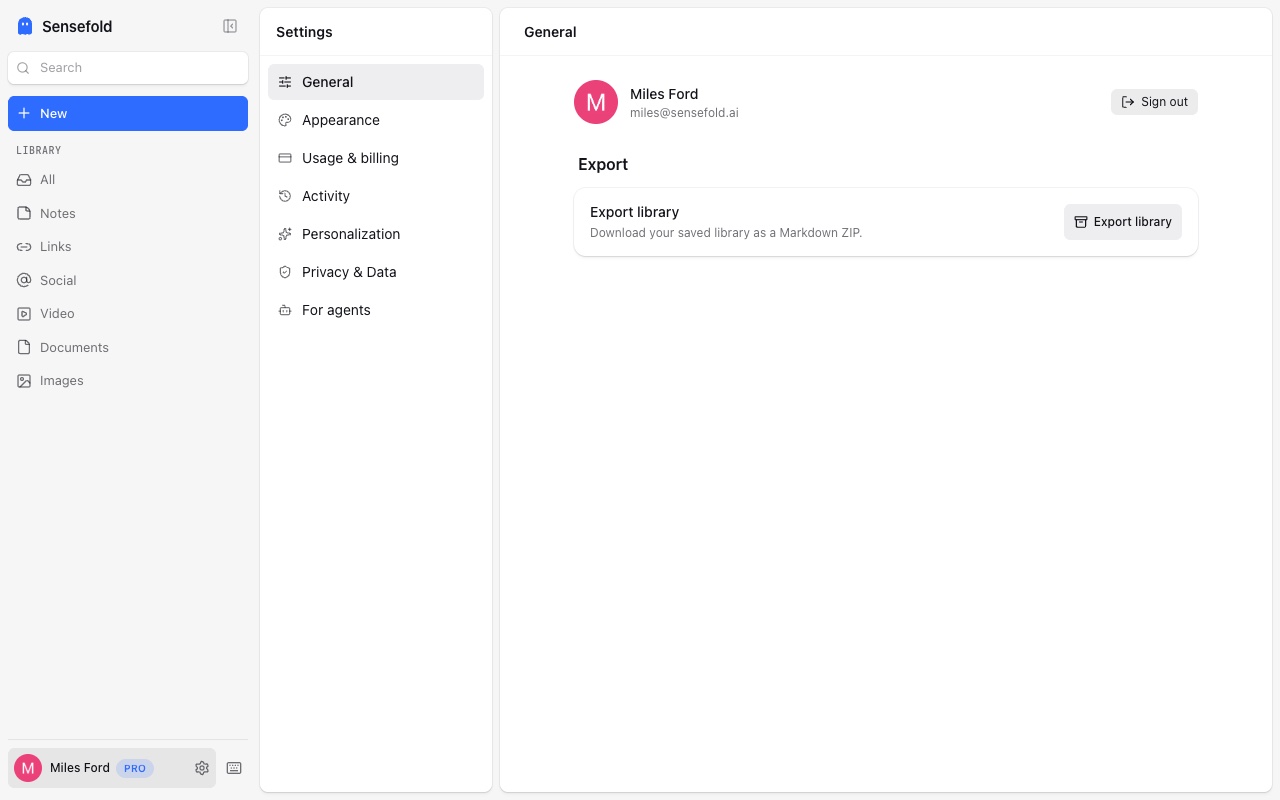
Export the whole library
Section titled “Export the whole library”- Open app.sensefold.app → You → Export.
- Choose whether to include AI summaries and saved original files (PDFs, Office documents, images you uploaded).
- Confirm. The archive is built in the background; the card shows progress and a Download button when it is ready. The archive stays available for 24 hours.
The export reflects your library as it is: items in the recycle bin are not included, and nothing is re-fetched from the original sources.
What is in the ZIP
Section titled “What is in the ZIP”sensefold-export-YYYY-MM-DD/ index.md counts: items, highlights, original files manifest.json machine-readable inventory of every file items/ index.md one line per item YYYY-MM-DD--<title>--<uuid>.md ... originals/ only when you include original filesEach item is one Markdown file with YAML front matter:
---okf_version: "0.4"type: Document # or Note for your own notestitle: ...description: ... # the AI summary, if you included summariestags: [...]sources: - url: https://... # where it was captured from - path: originals/... # the saved original, with filename, mime_type, size_bytes, sha256generated: by: process:sensefold-library-export at: 2026-09-03T...sensefold: item_id: <uuid> item_kind: ... source_type: ... status: ... created_at: ... updated_at: ... version: 12 body_source: authored # authored | enriched | raw---The body is your own text for notes and the extracted text for captures.
After the body, the file carries your annotations: a ## Comment section if
you left a page comment, then each highlight with its quote (or video
timestamp) and note — see Comments and highlights.
Copy a single item as Markdown
Section titled “Copy a single item as Markdown”- Chrome extension — every capture and note in the side panel has a copy action.
- iPhone & iPad — Copy as Markdown in the item menu.
- The web app has no per-item copy action; use the export above.
Paste the result into Obsidian, Notion, a plain editor, or an AI prompt.
Does export cost credits?
Section titled “Does export cost credits?”No. Export, copy, and every MCP read are free; only AI processing of new captures spends credits — see Credits and plans.