iPhone & iPad
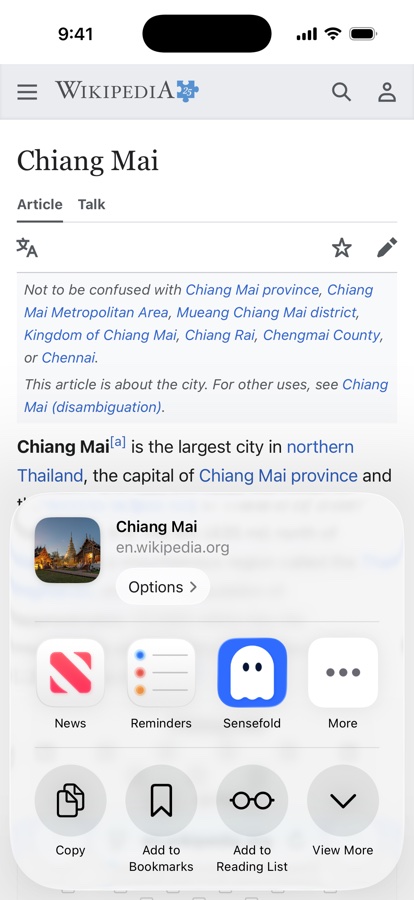
The iOS app is built for capture on the move: if you can share it, you can keep it.
Current version: 1.4.3 (App Store). This page is the reference; the overview with illustrations and FAQ is at sensefold.app/ios.
Capture
Section titled “Capture”- Share sheet from any app — links, text, PDFs, images, Word and PowerPoint files. See Files & media.
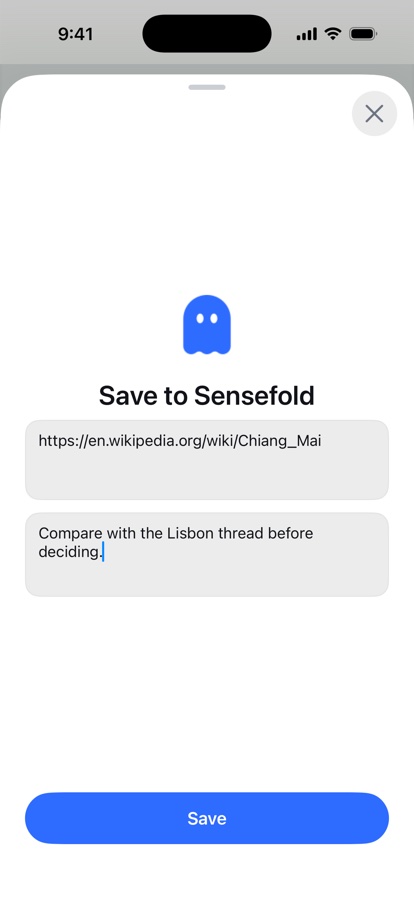
- Add a comment as you share — the share extension has a comment box, so the thought you had while reading is saved with the item.
- Shared text becomes a note — share a passage or a paragraph you wrote and it lands as one of your own notes, never rewritten by Sensefold.
- In-app: write a note, save a link, snap a photo, pick images, or import a document.
- Clipboard detection — copied a link? Sensefold offers to save it.
- Already saved — share something that is already in your library and the app tells you, with a tap to jump to the existing item.
- Home-screen quick actions and Spotlight indexing for saved items.
AI conversations are the one thing the phone cannot capture: they live behind your login, so they need the Chrome extension.
Reading & recall
Section titled “Reading & recall”- Full library search, realtime sync with every other device.
- Video guides with chapters and a follow-along transcript.
- Comments on any item, and timestamped comments on videos — see comments and highlights.
Take it with you
Section titled “Take it with you”- Copy any item as Markdown — see export your library.
- Share any item through the standard iOS share sheet.
- The whole library exports as a Markdown ZIP from the web app.
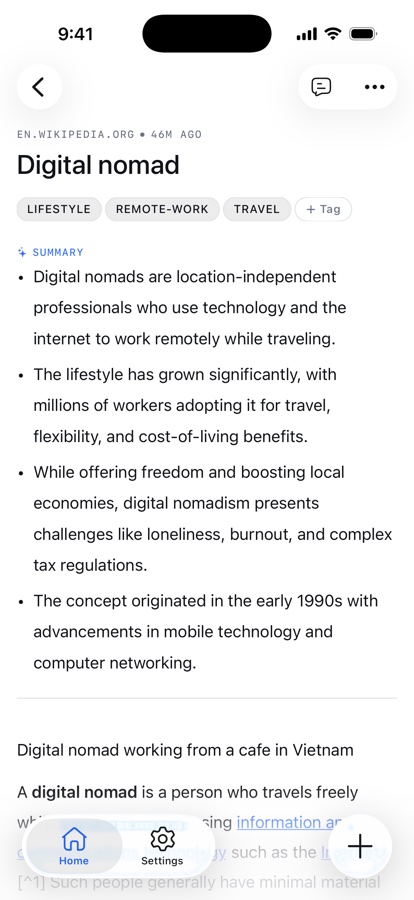
When you share a link, Sensefold visits it for you — see how capture works for what that yields per source. Everything you save on the phone is readable by your own AI over MCP: Sensefold for agents.