Pocket is gone: alternatives and how to keep data portable
Pocket shut down on July 8, 2025; export closed November 12, 2025. Ten alternatives compared, plus the export test that keeps your next library portable.

On this page
- What happened to Pocket (and your data)
- Before you pick: the export test
- 1. Sensefold
- 2. Instapaper
- 3. Raindrop.io
- 4. Readwise Reader
- 5. Matter
- 6. Cubox
- 7. GoodLinks
- 8. Anybox
- 9. wallabag
- 10. Linkwarden
- Comparison: features, pricing, and the way out
- Frequently asked questions
- Can I still export or import my Pocket data?
- What is the best free Pocket alternative?
- Which Pocket alternative works best for research, not just reading?
- Is there an open-source Pocket alternative?
- Does Sensefold keep my saved files private?
- Can I try more than one before committing?
- Which Pocket replacement to pick
Pocket is gone, and it did not leave quietly. The apps stopped working, the export window closed, and the archive many people had been feeding since 2007 was queued for deletion. If you are reading this with a decade of saved articles that no longer exist anywhere, you already know the lesson: a saved link is only yours if you can get it back out.
That changes what "Pocket alternative" should mean. The obvious question is which app reads nicely and syncs across devices. The better question is which app you could leave next year without losing anything. This guide answers both. It starts with the facts of the shutdown, gives you a short export test to run before you commit to anything, and then walks through ten replacements with the export path of each one spelled out.
What happened to Pocket (and your data)
Mozilla announced on May 22, 2025 that it would shut Pocket down, explaining that it was "channeling our resources into projects that better match browsing habits today" (Mozilla, "Building what's next"). The timeline, as published on Mozilla's Pocket support notice:
- May 22, 2025: Pocket removed from the app stores; new sign-ups and subscription renewals disabled.
- July 8, 2025: Pocket shut down. Apps and extensions stopped working; annual Premium subscribers were refunded on a prorated basis.
- July 8 to November 12, 2025: Pocket Web ran in export-only mode. The original announcement gave October 8 as the cutoff; Mozilla extended it.
- November 12, 2025: Export closed, the API was disabled, and deletion of all accounts and user data began.
The practical consequence for 2026: there is no Pocket export to import today. If you did not download your list before November 12, 2025, no alternative on this page can recover it, and any app advertising a "Pocket importer" is describing a feature that only helps people who already have the file. If you did export, you have a CSV of URLs, titles, tags and timestamps, not the article text; most apps below can re-fetch the pages from that list.
Before you pick: the export test
Run this on the first day with any new app, not when the next shutdown is announced.
- Save five real things. A long article, a PDF, a YouTube video, a social thread, and one note of your own. Add a tag and a highlight if the app supports them.
- Find the export. It should be in settings, self-serve, and cover the whole library at once. If the only path is a support ticket or a per-item share sheet, that is a warning.
- Open the file. Check three things: does it contain the text, or only URLs? Are your tags, notes and highlights in it? Is the format something another program reads without the vendor's help (Markdown, HTML, JSON, CSV, EPUB)?
- Keep the file. Put the export somewhere you own, and repeat it on a schedule. An export button you never press is the same as no export.
Pocket's own export was a CSV of links. That is why so many people lost the articles rather than the list. Prefer tools that export what you saved, not just where you found it.
1. Sensefold
Sensefold is a personal context: one private space where the pages, videos, threads and AI conversations you save are stored as Markdown, enriched with summaries, tags and OCR on save, and readable and writable by the AI you already use over MCP. Saving is free; AI processing runs on credits.
Capture. The Chrome extension saves articles, X/Reddit/LinkedIn/Bluesky threads with their replies, YouTube pages with the transcript, and ChatGPT, Claude, Gemini and Grok chats as speaker-labelled Markdown. iOS uses the share sheet; there is also a web app and a macOS desktop app for Apple Silicon. Captures get automatic summaries, tags, OCR for images and PDFs, and chapter guides for videos. Notes you write yourself are indexed for search but never rewritten by Sensefold's automatic AI.
Export. The web app exports your whole library as a Markdown ZIP in one action, and the extension and iOS app copy any item as Markdown. This is the portability test above, passed on day one.
Connect. Claude, ChatGPT, Claude Code, Codex, Cursor, OpenClaw, Hermes or any MCP client connects at https://api.sensefold.app/mcp through OAuth or a revocable Agent key with read_only, edit or full scope. Your AI calls search_hub and get_item to read, and save_note, update_note and update_tags to write; every search result carries a deep link it can cite, and agent edits are versioned and revertible. Details are on For agents and the MCP tools reference.
Pricing and trade-offs. Starter is $16/month and Pro is $36/month; new subscriptions start with a 14-day free trial that includes 800 credits (card required, charged when the trial ends, cancel anytime). Monthly credits reset each billing period, and a $16 credit pack of 5,000 credits never expires. See Pricing. Heavy video and PDF processing consumes credits quickly, and there are no native Windows, Linux or Android apps; the web app covers those platforms. For a direct comparison with what Pocket did, see Sensefold vs Pocket.
2. Instapaper
Instapaper is the safe recommendation for anyone who misses the old read-it-later model and does not want a knowledge system. It still does the core job well: save an article, strip out the clutter, read it on another device, move on.
That simplicity is its biggest strength. Instapaper does not try to become a filing system. It gives you a clean text view, offline reading, folders, highlights, notes, and solid syncing across iOS, Android and the web, with Kindle delivery and text-to-speech for people who read on the move.
What does not work as well is research-heavy retrieval. Once your archive gets large, Instapaper feels more like a queue than a library, and full-text search, PDF support and a permanent archive sit behind Premium ($5.99/month or $59.99/year, per instapaper.com/premium, checked September 3, 2026; the free plan caps notes at five per month). See also Sensefold vs Instapaper.
Export: Instapaper's web settings export the whole list as CSV or HTML. Like Pocket's export, it is a list of links plus your notes and highlights, not the article text.
3. Raindrop.io
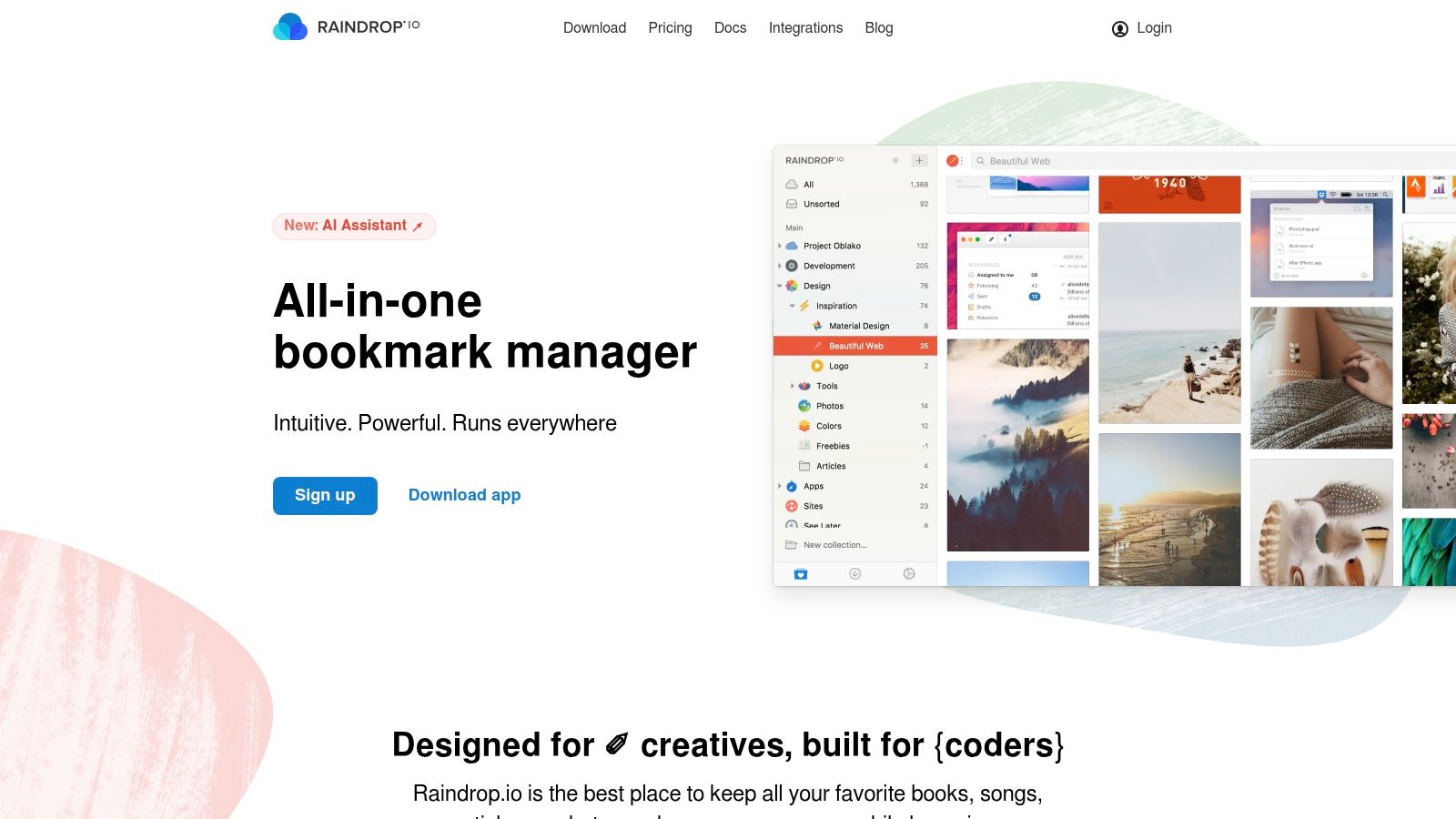
Raindrop.io sits on the border between bookmark manager and read-later app. If your saved items are part reading list, part reference archive, it is one of the strongest fits available.
What Raindrop.io does better than most is organization. Collections, nested collections, tags, and visual browsing all work well together. For people who save design inspiration, research sources, documentation, and articles in the same tool, that flexibility matters more than a perfect reader mode. Raindrop is free to use indefinitely with unlimited bookmarks; Pro adds full-text search, a permanent web archive, reminders, annotations and the Stella AI assistant (raindrop.io/pro, checked September 3, 2026).
The main limitation is that Raindrop.io is a bookmark manager first. It is not centered on deep reading or automatic per-save summaries, so pick it for long-term reference rather than active study. See also Sensefold vs Raindrop.io.
Export: Settings offer full backups as HTML, CSV or TXT, with a scheduled daily backup on Pro. Again links and metadata, not page text, although the Pro archive keeps copies inside Raindrop.
4. Readwise Reader
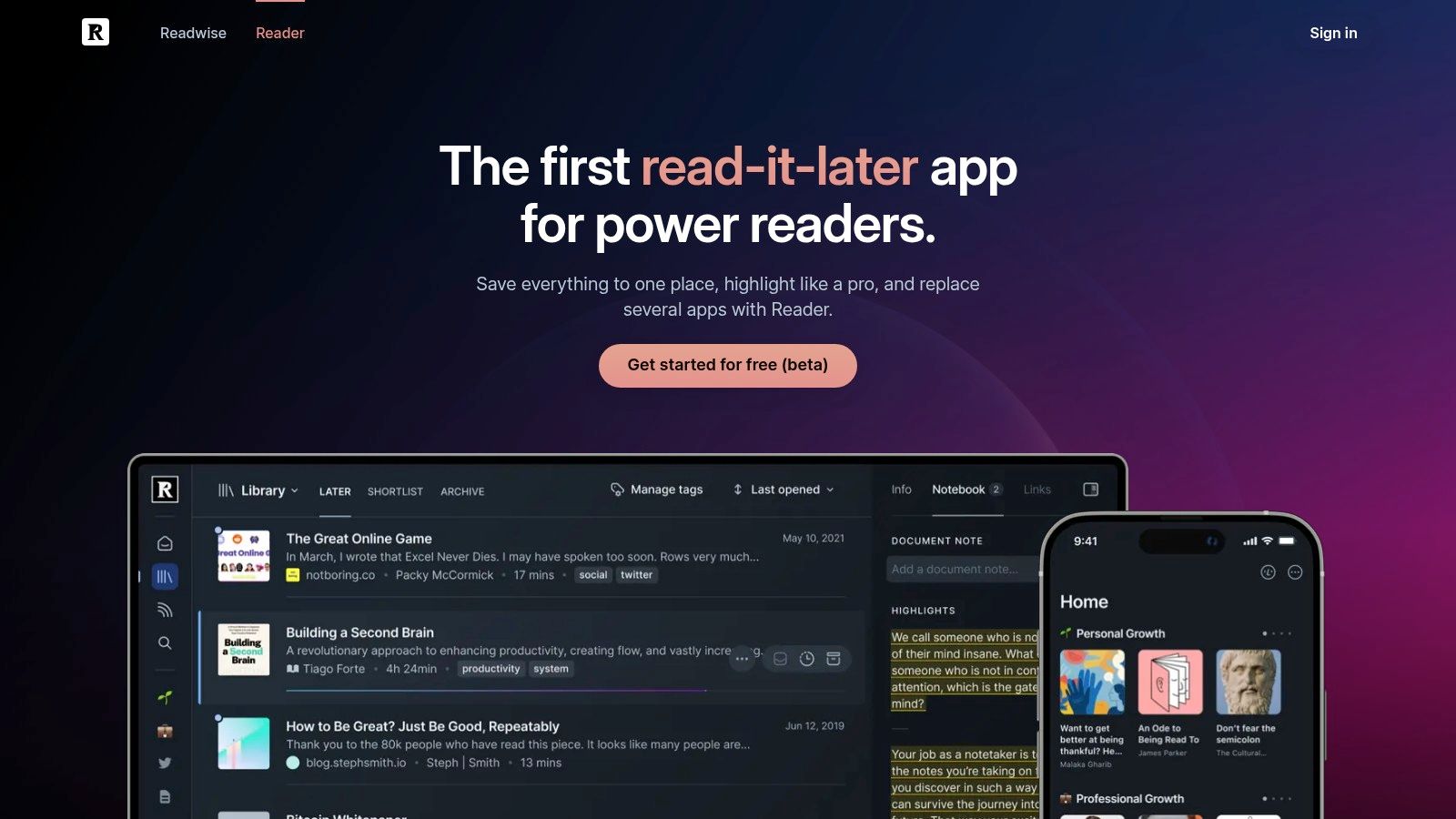
Readwise Reader is the best fit for people who do not just read. They highlight, revisit, connect, and export what they read into a broader note system. It is less a classic Pocket replacement and more a full reading pipeline.
Reader ingests articles, PDFs, EPUBs, newsletters, RSS, and video transcripts into one place. The bigger appeal is what happens after reading: highlights can be resurfaced, reviewed, and sent into tools like Notion or Obsidian. It also has AI features for summarization and explanation when you are reading dense material.
The trade-off is complexity and price. Reader asks more of you, and it is paid after the trial: Reader ships as part of the full Readwise plan, $9.99/month billed annually or $12.99 month to month (readwise.io/pricing, checked September 3, 2026). It makes the most sense when reading is part of your actual work. See also Sensefold vs Readwise Reader.
Export: Readwise is one of the better citizens here. Highlights and notes export as CSV or Markdown from readwise.io/export, and the Obsidian, Notion and Logseq syncs keep a copy outside Readwise continuously.
5. Matter
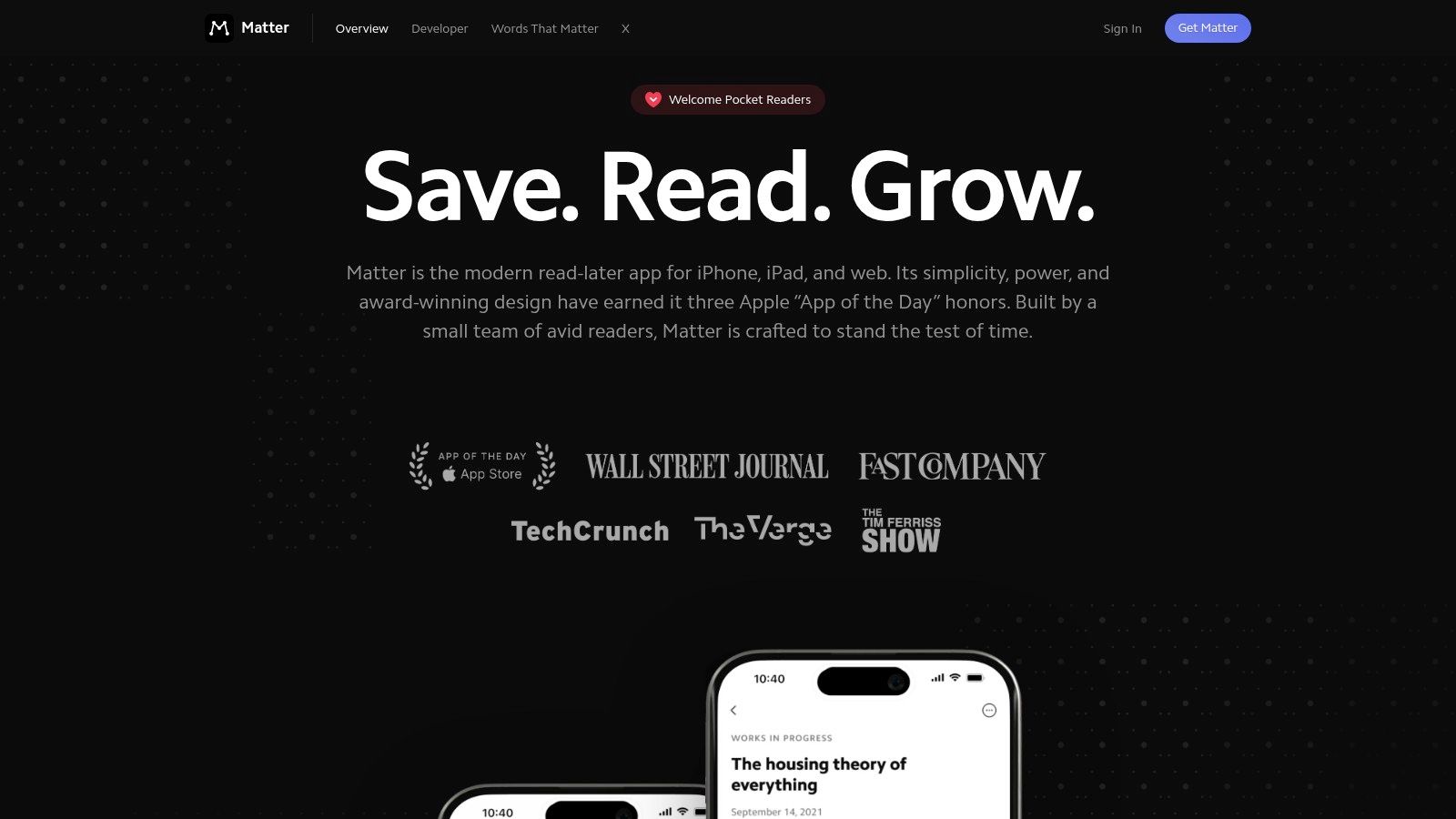
Matter is one of the most polished reading apps in this space. If you care about typography, a pleasant mobile reading experience, and strong text-to-speech, Matter feels modern in a way some older apps do not.
It is particularly good for people in the Apple ecosystem who read on phones and tablets through the day. You save articles, queue them into listening playlists, and move through a mix of written and audio consumption. Newsletters fit naturally into the flow, which helps anyone whose read-later problem starts in email.
The downsides are familiar. Premium features sit behind a subscription (Matter's site did not print a price on the day we checked, so confirm in the app), and Matter is not built as a durable research archive. It is strongest when content is flowing through you, not when you need a searchable body of evidence over time. See also Sensefold vs Matter.
Export: Highlights sync out through the Obsidian plugin and Readwise integration. Check the settings for a full-library export before you commit; that is the part we could not verify from outside the app.
6. Cubox
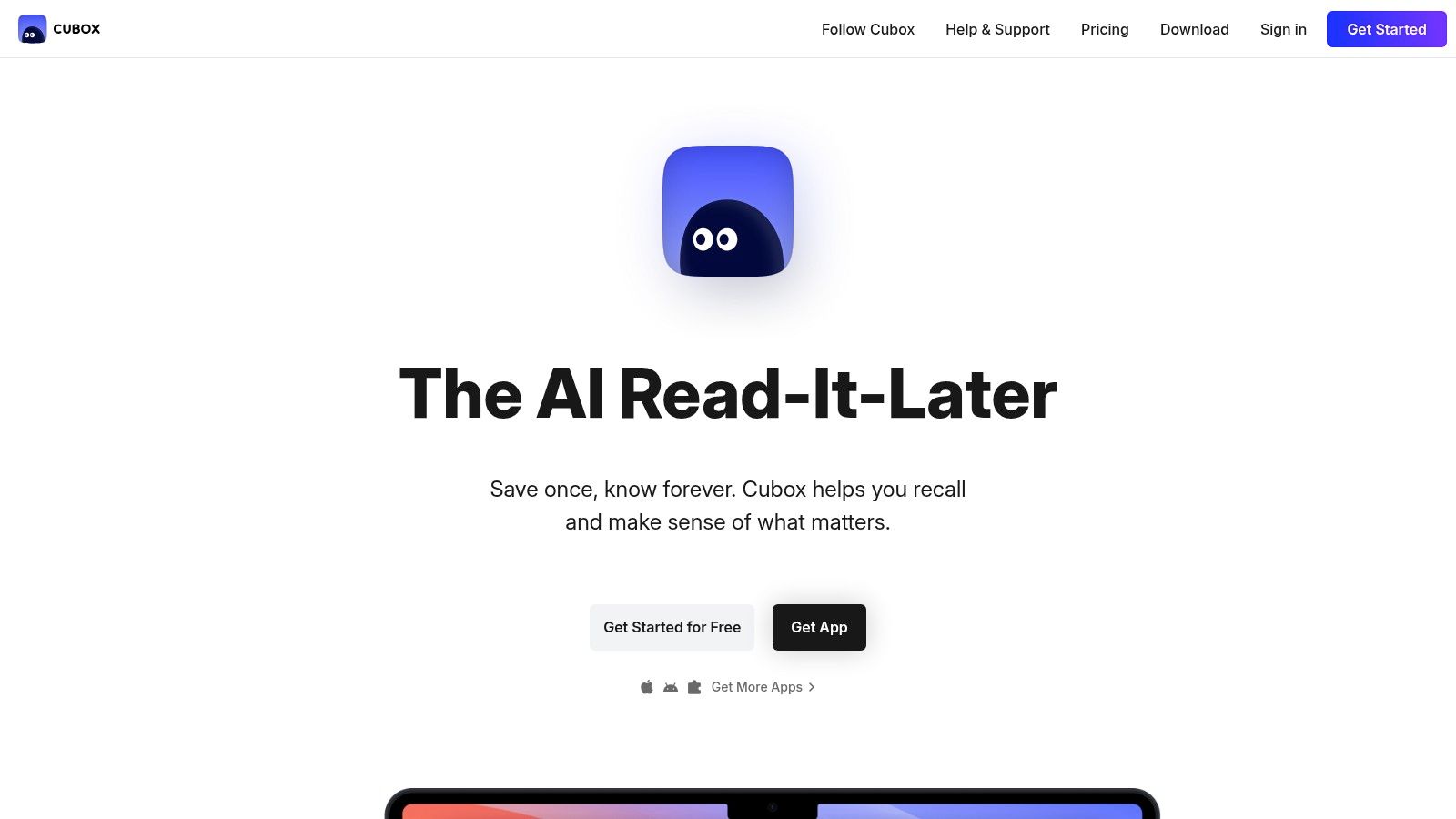
Cubox is underrated. It sits in an appealing middle ground between traditional read-it-later apps and newer AI-assisted tools. You get a structured reading queue, page snapshots, nested folders, tags, email capture and optional AI summaries, without the heavier feel of a full knowledge platform.
That balance makes Cubox attractive for users who want more than Instapaper but less than Readwise Reader. It nudges you toward keeping things tidy, which helps once your library stops being small. Pricing is a 14-day trial, then Pro at $29/year or Pro+AI at $49/year (cubox.cc/pricing, checked September 3, 2026).
Its limitations are mostly ecosystem-related: fewer third-party integrations than the bigger names, and a mobile-first feel that desktop-heavy users may notice. See also Sensefold vs Cubox.
Export: Export and API access are paid-plan features; check the format on the pricing page before you rely on it.
7. GoodLinks
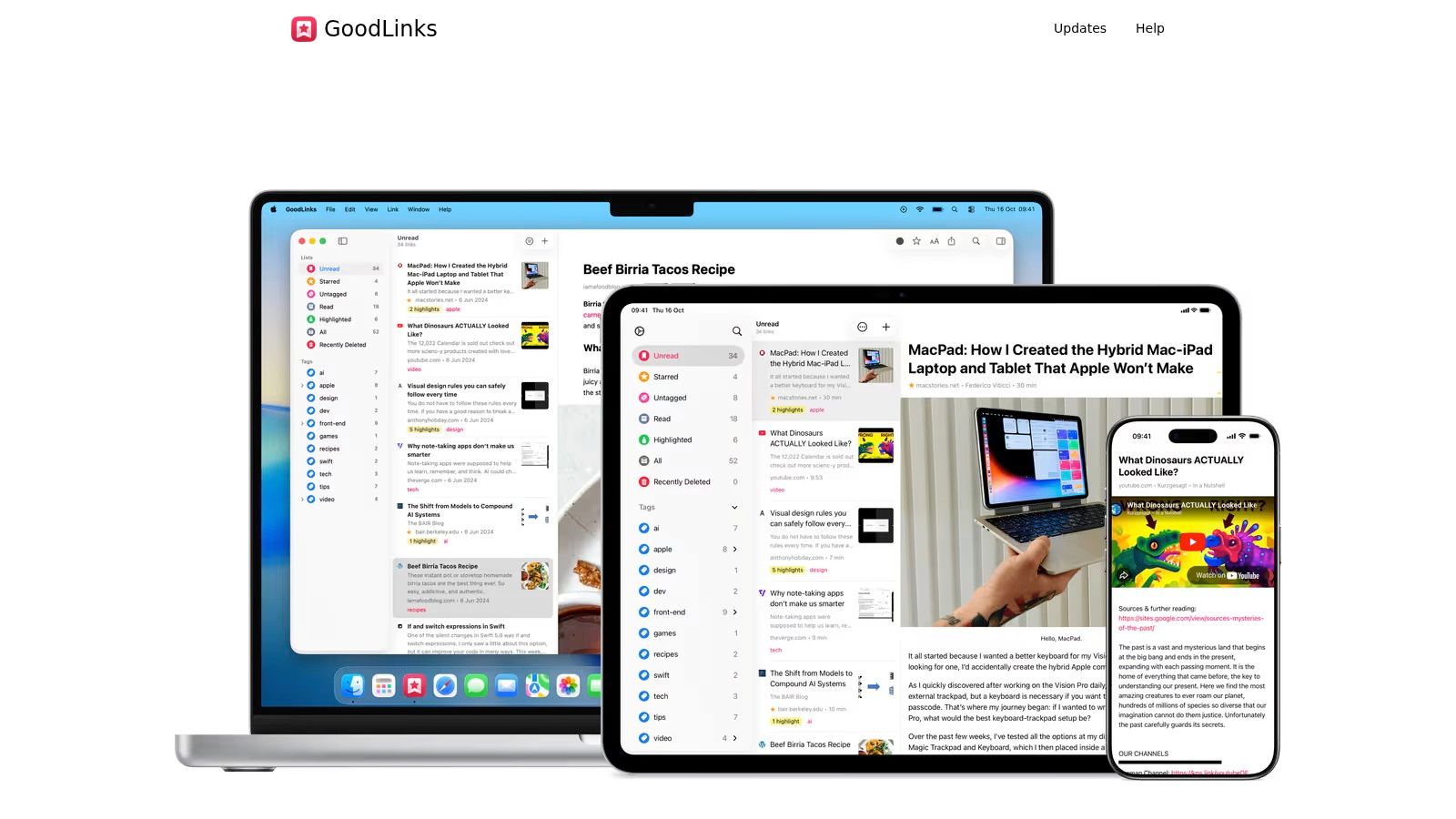
GoodLinks is a very specific recommendation, and for the right person it is excellent. If you live on iPhone, iPad and Mac, want a native feel, and do not want another subscription, GoodLinks is one of the easiest choices on this list.
It is fast, private, and refreshingly simple: share a link, save it, read offline, tag it, move on. There is no account, no server, and no pressure to build a system around it. Pricing is a one-time purchase on the App Store ($9.99 with a year of feature updates, then an optional $4.99/year upgrade pass; goodlinks.app, checked September 3, 2026).
The obvious downside is reach. No Android, no web app, no cross-platform story. And if your workflow depends on automation or heavier research features, GoodLinks is a lightweight reader, not a research engine. See also Sensefold vs GoodLinks.
Export: GoodLinks exports and imports its library as JSON from settings, and because everything lives in iCloud there is no server to lose access to.
8. Anybox
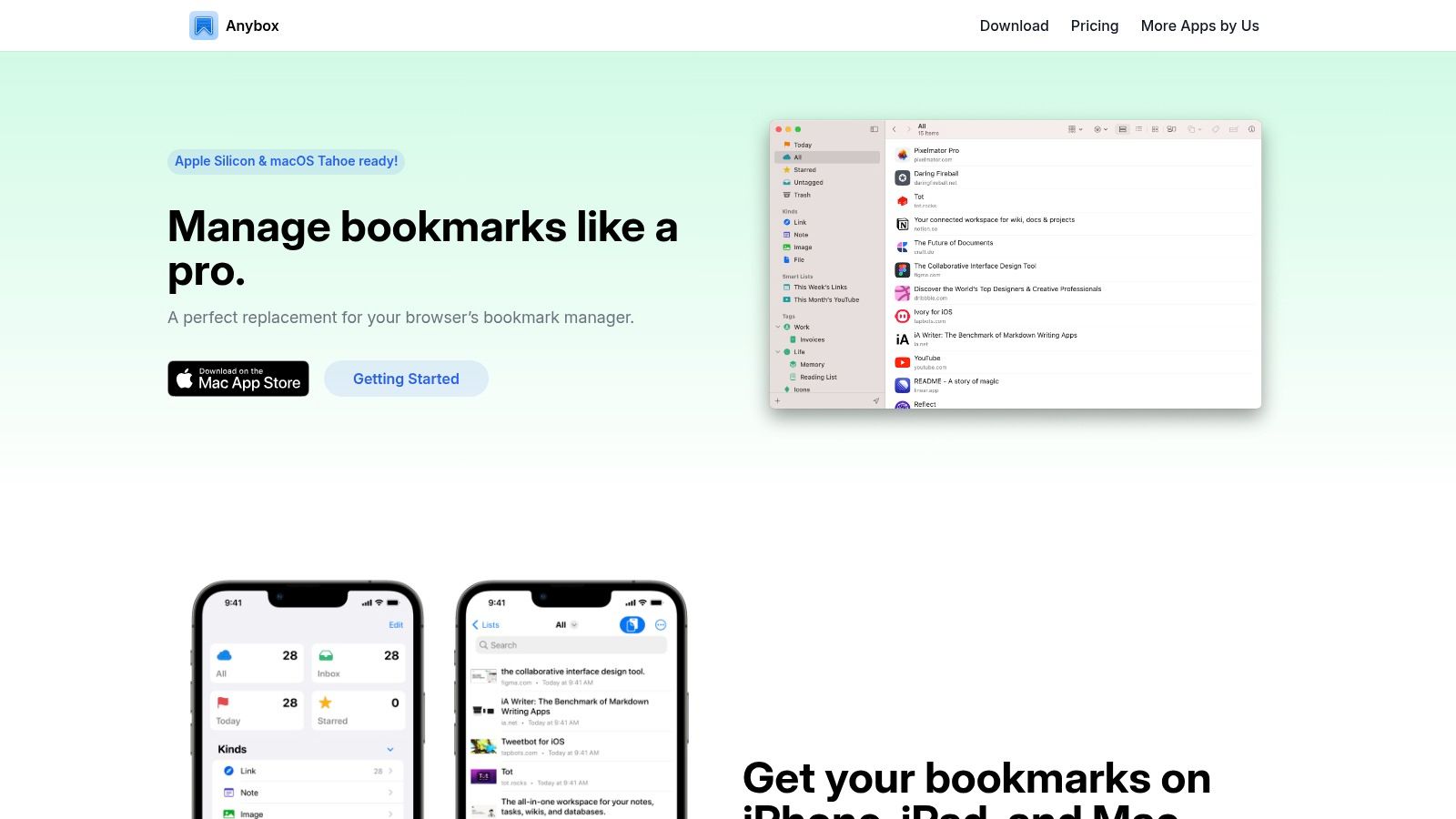
Anybox is what you would hand a Mac power user who treats saved links like an operating-system utility. It is not just for reading later; it is for capturing links fast, organizing them, and retrieving them through keyboard-first workflows.
It is one of the strongest options if your real issue is link sprawl across devices, browsers and projects rather than a reading backlog. Shortcuts, Raycast, Alfred, URL schemes and Smart Lists all get first-class support. The free tier saves 50 links in total; Pro is $1.99/month, $14.99/year or a $39.99 lifetime license (anybox.app, checked September 3, 2026).
The limitation is similar to GoodLinks but sharper. Anybox is Apple-only, and it does not try to be a deep reading environment. Think of it as a premium link manager with read-later capability.
Export: Anybox has an export in its settings; verify the format against the test above before you move a large library in.
9. wallabag
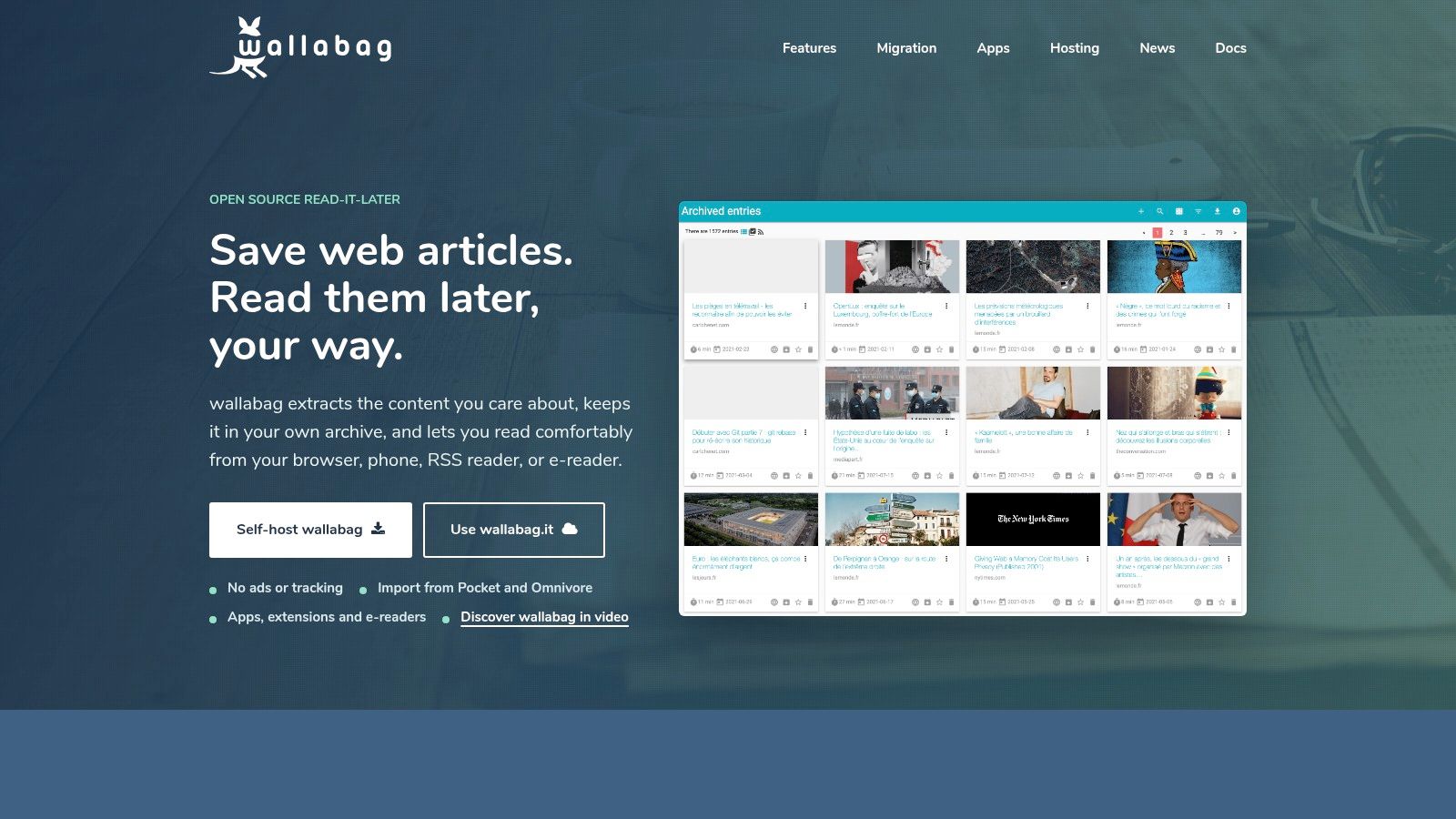
wallabag is the right answer when ownership matters more than polish. If you do not want your reading archive tied to a company's roadmap, pricing changes, or survival, wallabag remains one of the strongest options. It has already outlived Pocket and Omnivore.
Because it is open source and self-hostable, wallabag appeals to a specific kind of user: someone who has been burned before, or who already knows they want control over storage, backups, and portability. It extracts and cleans articles, supports tagging, has browser extensions and mobile apps, and works with RSS and e-readers. Hosted plans at wallabag.it start from 11 EUR a year with a 14-day trial, or you run it yourself for free.
One correction to the usual pitch: wallabag's importers for Pocket, Instapaper and others (wallabag import docs) only help if you already hold an export file. For former Pocket users without one, that door closed on November 12, 2025. wallabag's real portability argument is the other direction.
Export: Every article, or the whole library, exports as JSON, CSV, XML, TXT, EPUB or PDF, and the article text goes with it. This is the tool on the list that most clearly lets you leave.
What you give up is polish and breadth. Video-heavy workflows are limited, and self-hosting means maintenance. If you enjoy running your own stack, that is fine. If not, wallabag can feel like work. See also Sensefold vs wallabag.
10. Linkwarden
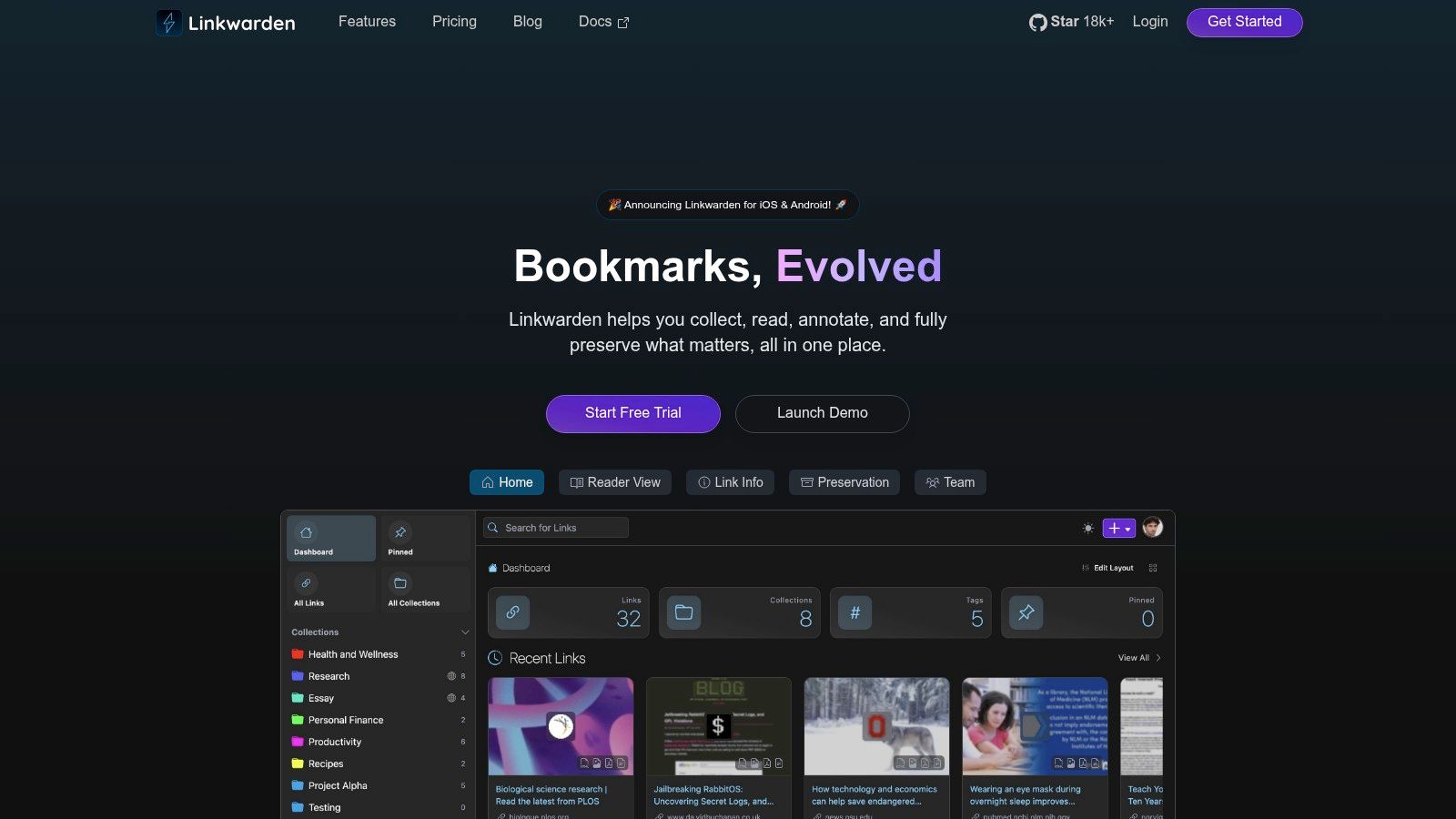
Linkwarden is the best option on this list if your priority is preservation. Not reading comfort first. Not highlight workflows. Preservation.
It automatically saves full-page archives in multiple forms (screenshot, single-file HTML, PDF, and a readable view), which makes it valuable for researchers, teams, and anyone collecting web sources that may disappear, change, or break later. It is less a Pocket replacement and more a link insurance policy with organization features. It is open source; you can self-host for free or use the hosted plans, which start with a 14-day trial (linkwarden.app/pricing).
The trade-off is reader quality. Linkwarden's reading experience is more basic than apps designed for consumption. Choose it for reference preservation, collaborative archives, and research collections, not as your main place to relax and read essays.
Export: Settings export the whole library as Linkwarden JSON, and the archived copies live on your own storage if you self-host.
Comparison: features, pricing, and the way out
Prices checked September 3, 2026 on each vendor's public pricing page. Where a page did not state a figure, the row says so.
| Tool | Core features | Pricing | Getting your data out | Best for |
|---|---|---|---|---|
| Sensefold | Extension captures pages, threads, videos and AI chats as Markdown; auto summaries, tags, OCR, video chapters; MCP access for your own AI | Saving free, AI on credits; 14-day trial; Starter $16/mo; Pro $36/mo; 5,000-credit pack $16 (pricing) | Whole-library Markdown ZIP from the web app; Copy as Markdown per item | People who want one library their own AI can read and write |
| Instapaper | Clean text view, highlights, notes, offline, Kindle, TTS | Free; Premium $5.99/mo or $59.99/yr for full-text search, PDFs, archive (premium) | CSV or HTML list export (links, notes, highlights) | Readers who want Pocket back, quietly |
| Raindrop.io | Nested collections, tags, visual browsing, extensions; full-text search, archive and Stella AI on Pro | Free with unlimited bookmarks; Pro subscription (pro) | HTML, CSV or TXT backups; daily backups on Pro | Long-term reference collectors |
| Readwise Reader | Web, RSS, PDF, EPUB, newsletters, transcripts; highlights and review | Part of Readwise: $9.99/mo annual or $12.99 monthly after trial (pricing) | CSV and Markdown export; Obsidian, Notion, Logseq sync | Active readers who highlight and export |
| Matter | Polished reader, TTS, newsletters | Free core; Premium subscription (price not printed on site) | Highlight sync to Obsidian and Readwise; verify full export in app | Apple readers who listen to their queue |
| Cubox | Queue, snapshots, nested folders, email capture, optional AI | 14-day trial; Pro $29/yr; Pro+AI $49/yr (pricing) | Export and API on paid plans; verify format | Structured organization plus light AI |
| GoodLinks | Offline reading, share-sheet capture, tags, notes; no account | $9.99 once; optional $4.99/yr upgrade pass | JSON export/import; data in your iCloud | Apple-only, private, local |
| Anybox | Mac/iOS, iCloud sync, Smart Lists, keyboard and URL-scheme automation | Free up to 50 links; Pro $1.99/mo, $14.99/yr or $39.99 lifetime | Export in settings; verify format | Mac power users who automate |
| wallabag | Article extraction, tags, RSS, e-reader support, self-hosted | Self-host free; hosted from 11 EUR/yr (wallabag.it) | JSON, CSV, XML, TXT, EPUB, PDF, with article text | People who want to own the archive |
| Linkwarden | Full-page archives (screenshot, HTML, PDF), collections, tags, teams | Self-host free; hosted plans with 14-day trial (pricing) | JSON export; archives on your storage | Link-rot protection and shared research |
Frequently asked questions
Can I still export or import my Pocket data?
No. Mozilla closed Pocket's export window on November 12, 2025 and began deleting user data the same day. If you downloaded the CSV before then, most apps on this list (Instapaper, Raindrop, Readwise Reader, wallabag, Linkwarden) can import it and re-fetch the pages. If you did not, there is nothing left to import.
What is the best free Pocket alternative?
For a straight reader, Instapaper's free plan is the closest match to classic Pocket: clean text view, offline reading, and cross-device sync. Raindrop.io is free with unlimited bookmarks if organization matters more than reading. Sensefold is not free: saving is free, AI runs on credits, and new subscriptions start with a 14-day trial that includes 800 credits (card required, charged when the trial ends, cancel anytime). See Pricing.
Which Pocket alternative works best for research, not just reading?
Readwise Reader and Sensefold are the two research-grade picks. Readwise Reader is built around highlighting and exporting into a note system like Obsidian or Notion. Sensefold is built so the AI you already use can work from your library: captures are summarized, tagged and OCR'd on save, and Claude, ChatGPT, Cursor or a coding agent connects over MCP to search and read the exact items it cites. Choose Readwise Reader if you highlight and export; choose Sensefold if you want your own AI reading from what you saved.
Is there an open-source Pocket alternative?
Yes. wallabag and Linkwarden are both open source and self-hostable. wallabag focuses on clean article extraction and an archive you fully control, with exports that include the text. Linkwarden focuses on full-page preservation: screenshots, single-file HTML and PDF copies that guard against link rot. Both also run on low-cost hosted plans if you do not want to maintain a server.
Does Sensefold keep my saved files private?
Sensefold stores your library privately and publishes the full list of third-party processors it uses, including the services behind PDF extraction and summaries, on its subprocessors page. See capturing files for what is and is not captured. Read that page and the privacy policy before saving sensitive material.
Can I try more than one before committing?
Yes, and you should. Most of these tools have a free plan or a trial. Save the same small working set (a few articles, one PDF, a video, a screenshot) into two candidates and test the moments that matter: how fast you can save, how the reading view feels, whether you can find something again a week later without remembering its title, and whether the export file passes the test at the top of this page.
Which Pocket replacement to pick
If you mostly want a clean place to read articles later, keep it simple. Instapaper is still the best answer to "I just want Pocket back." Matter is strong if you like a polished mobile experience with listening built in. GoodLinks fits if you are fully inside Apple's ecosystem and want something fast, private, and local.
If your saved items are references more than reading material, bookmark-first tools make more sense. Raindrop.io is excellent for broad organization across devices. Anybox is better for Apple power users who want speed and automation. Linkwarden and wallabag are the picks when durability and ownership matter more than interface polish, and wallabag in particular passes the export test with the article text intact.
If what you save has outgrown articles, with PDFs, transcripts, threads, notes and AI conversations piling up across projects, a classic read-later app stops being enough. Readwise Reader suits people who highlight constantly and push notes into a note system. Sensefold suits people who want everything they save stored as Markdown, exportable as a ZIP, and readable by the AI they already use.
Whichever you choose, run the export on day one. Pocket lasted eighteen years; the people who kept their libraries were the ones who had already pressed the button.